
Updated Jan 21, 2026
Virtual graphic designer services help businesses create stunning visuals without the overhead of hiring in-house. Stealth Agents connects you with top 1% global design talent, ready to handle logos, social media graphics, and more, so your brand always looks professional and polished. Ready to elevate your visuals?Partner with Stealth Agents today.
A virtual graphic designer is more than just having a good appearance; it helps you create your brand identity, too.
When used effectively, it can boost your marketing and messaging to your audience, giving you the power to inform, educate, and persuade.
Also, discover the advantages that countless satisfied clients have enjoyed with outsourced Stealth Agents. Let our virtual assistant elevate your business to new heights.
Their expert and business-oriented team is ready for a free discussion and consultation to help you. Grab a spot now, and we'll talk about your outsourcing preferences, pricing options, and the graphic designer va price rate! But how can you do it right? Add someone to your team with expertise in dealing with your graphic design needs.
Outsourcing Virtual Graphic Designer
Imagine having a graphic design expert ready to help you without the hassle of paperwork, hiring, or extra office perks. That’s the benefit of hiring a virtual assistant for your design needs.
1. Save Money, No Surprises
With a pay-as-you-go system, you only pay for the work you need: no fixed salaries, benefits, or hidden fees. This means more of your budget can go toward growing your business.
2. No Office Costs
No need to set up a desk, buy equipment, or pay for extra software. Your virtual assistant has everything they need, from Canva to Adobe Creative Suite, to deliver high-quality designs without extra costs.
3. No Payroll Hassle
Skip managing payroll and extra expenses like sick leave, health insurance, or taxes. Instead, use your resources for what really matters like launching a new campaign or growing your business.
Cost-Effective Graphic Design Support
Hiring a graphic designer can be expensive, whether you use an agency or hire someone full-time. But with a virtual assistant who specializes in graphic design, you can get high-quality work for much less money. Many businesses are surprised to learn that skilled virtual graphic designers can cost as little as $8 an hour. That's cheaper than buying your daily coffee or hiring a freelance designer for a small task.
This low cost means you don't have to choose between saving money and getting good design**. You can keep your brand looking great, make your marketing budget go further, and use your money on other important parts of your business, all while getting top-quality work.**
How the Virtual Graphic Design Process Works
Curious about how working with a virtual assistant for graphic design works? Here’s a simple breakdown to show you what to expect no confusion, no surprises.
1. We start by understanding your needs.
Whether you need a new logo, social media designs, or custom presentations, we’ll chat about your goals to create a workflow that fits your business perfectly.
**2. We document your preferences. **
We’ll create clear guides for your style, preferences, and requirements to make sure designs match your brand from the start.
**3. We do test designs first. **
Before diving in, we’ll work on a trial design or two. This helps you review and give feedback so we can fine-tune the process.
**4. Tasks are assigned to the right designer. **
Each project is given to a designer with the right skills, whether you want clean and simple designs or bold and colorful ones.
5. Your VA learns your tools.
Whether you use Canva, Adobe Illustrator, or Figma, your VA will work with the tools you already use to make collaboration easy.
**6. We check quality regularly. **
All work is reviewed to make sure it meets your standards. If improvements are needed, we’ll handle it.
7. We grow with you.
As your business evolves, we’ll review and adjust the process to keep everything running smoothly.
**8. You stay updated. **
You’ll get clear updates so you always know what’s happening and what’s been done.
Tools and Technologies Used by Virtual Graphic Designers
**A skilled virtual assistant offers more than creativity they come prepared with the right tools.**Most use popular design software like Adobe Creative Cloud (including Photoshop, Illustrator, and InDesign) and Canva for quick designs and social media posts. Some also use Figma for team projects and prototyping, and occasionally work with tools like Sketch or Affinity Designer.
For presentations and visual storytelling, they might use PowerPoint, Google Slides, or even video editing tools like Adobe Premiere Pro or Canva’s video editor.
By using these tools, your VA can create everything from stylish logos to eye-catching social media posts, always keeping up with trends to make sure your brand stands out.
18 Tasks That a VA Can Help You With
Having a virtual assistant on your team can help you stand out from the competition. This VA creatively presents your product or service and turns your ideas into visual concepts. Let's take a look at 18 tasks you can outsource to a VA to get you ahead of the competition:
1. Creating brand logos
When you are considering building a business or creating a brand, having an effective logo should be one of your top priorities, and why should you make it a priority? Because it tells people what your brand is and what your organization is.
A well-designed logo can grab the audience's attention, make a strong impression, and help distinguish your brand from the competition.
2. Website graphics
According to Stanford University, 75% of users judge a company based solely on its visual design, a factor that can be greatly improved with the help of a design virtual assistant.
Visual appeal is significant to any website because it sets the first impression, it impacts how your audience perceives your brand.
When your website looks unappealing and outdated, there's a possibility that your audience will leave your page and visit your competitor's site.
And with that, you will lose some leads.
3. Social media graphics
Posting on social media platforms is a great way to market your brand. That's what's not so important: being creative when posting your day-to-day content.
When you are the virtual assistant for creatives on your team, you can collaborate with a graphic designer VA or a virtual assistant for Canva to help create more effective social media posts. Visuals provide an identity for your brand and help build engagement between your audience and your product or service.
4. Infographics
Creating an infographic is a great way to condense lengthy messages. It is composed of imagery, charts, and minimal text that gives your audience an easy-to-understand overview of your product or service.
A visually appealing infographic can help you attract, focus, and help your audience digest the message you want them to remember. Therefore, using infographics is one of the best tools for marketing.
5. Brochures
Brochures are one of the most powerful marketing tools to capture potential customers, Whether it's a digital or printed brochure, essentials are key to including the key details about your brand.
Along with that, brochures should also be well-designed, with the right images, font, and colors. Having a virtual assistant graphic designer onboard can help you with these elements.
6. E-book design
As technology advances, some people nowadays prefer e-books to traditional ones.
** **
**E-books have become an effective marketing tool because they are accessible on the Internet and provide reliable information about your brand to customers, driving leads to your website. **
E-books play a significant role in your marketing process. They should be made with engaging content and a captivating design to attract the attention of current and potential customers.
Making its visual elements (ClemeClements'ClemeClementsgn) engaging and enticing makes the task challenging. That's what graphic designers visit to keep ants
7. Business card
A virtual graphic designer can help you with your business card. With a catchy layout that features your brand and contact number, you can create a great first impression and attract new prospects.
8. Image editing
Take that burden off yourself when you want to improve the quality of an image. A with a Photoshop skill set can help you enhance the photos you wish to use.
9. Branded characters
One way to build a brand persona is to create an animated character or mascot that represents your brand. A virtual graphic design assistant can help you create a variety of versions in a more personalized way.
These animated figures will speak about the different aspects of your brand in any media form that you need.
10. Product packaging
A graphic designer VA can make your product stand out among its competitors. They know how to choose the right design and best materials to use. With well-designed packaging, consumers are more likely to purchase your product.
11. Presentations
**If you want them to focus and listen, make your PowerPoint presentation appealing. Well-organized ideas and visually appealing designs can help the audience better absorb your message. You can. Achieve this by hiring a virtual graphic designer assistant. **
12. Graphic Interchange Format (GIF)
Turn your message more expressive and compelling! GIFs are commonly used in social media to gain more likes and shares. Incorporating GIFs into your content can increase engagement. To get your GIF game going, work with a virtual graphic design assistant!
13. Guides
Providing a guide along with your product or service is a great solution to help your customers use it correctly.
Giving this task to a virtual assistant who can combine photos and illustrations with text instructions can make your guides easier to understand.
14. Videos
For some, watching videos is way better than reading a lengthy article.
If you want to create a promotional video about your product or service, leave it to a virtual assistant or graphic designer VA! A virtual graphic design assistant can showcase the essential features of your brand using attractive graphics, stylish images, and engaging music.
Through these elements, your brand will likely get more shares and likes.
15. Landing pages
Known as a "lead capture page," an l" a "land," and a standalone landing to advertise a campaign.
A virtual graphic design assistant can help you create an effective landing page. Using proper layout, design, and images or videos can help your landing page attract potential customers.
16. Email template and graphics
An email is also one of the most effective online marketing tools available today. MarTech says that 77% of consumers prefer getting marketing messages via email.
With the support of a virtual graphic designer and virtual assistant, you can create a proper layout for email marketing to make an email easy to understand and visually appealing.
17. App design
When you consider having an app for your brand, a virtual graphic designer assistant can help you with it. This VA has the skillset to choose the right color, layout, typography, graphics, animation, and style that will represent your brand.
A well-designed app can boost your brand while engaging users.
18. Online store page design
Online shopping is very popular now, which makes it essential to make your e-commerce page both enticing and user-friendly.
To attract customers, make your page stand out from the competition. How can you do it? Collaborate with your graphic designer, virtual assistant, and web developer to create a strategic page design that makes it a competition-ready shopping page.
Steps to Delegate Graphic Design Tasks to a Virtual Assistant
Ready to hire a virtual graphic design helper? Here’s how to make it work from the start:
1. Know What You Need
Make a list of jobs you want to give them, like making social media pictures, logos, or package designs. This helps your helper know what you want.
2. Make Simple Rules
If you have a certain style or way of doing things, write it down. Sharing your rules, brand files, and examples at the start helps get the results you want.
3**. Try a Small Job First**
Give them a small task to start. This lets you both fix any problems with how you talk or what you create before you move on to bigger jobs.
4. Set Clear Roles
Once you’re both ready, explain their job and what you expect each day. This helps avoid mix-ups later.
5. Use Helpful Tools
Use tools like Trello or Slack to talk about work, and Google Drive or Dropbox to share files. Tools like Canva or Adobe are great for giving feedback.
6. Check on the Work
Check in often to look at their work, give helpful feedback, and answer questions. Regular check-ins keep your projects on time.
7. Get Better Together
Be open to ideas from your helper to make things work better. Changing how you work together will make you both more productive.
8. Write Things Down
Keep important talks, updates, and files in one place. This way, everyone knows what’s going on and you have a record to look back on.
Quality Assurance for Virtual Graphic Design Work
Here's how you can make sure your virtual assistant's design work is what you want:
-
**Clear planning from the start:**First, they will learn about what you need. This means they will understand your ideas, goals, and what you must have for each design project. This could be a new logo, a package design, or a GIF.
-
**Clear rules and examples:**Your assistant will use guides and examples to know exactly what you want every time.
-
**Test designs and samples:**Before they do a big project, your assistant will show you sample designs. This helps fix any problems early and makes sure you are happy with the work.
-
Regular talks and feedback: Talking often helps your assistant stay on the right path. You can use tools like Slack or Google Drive to see their work, give feedback, and ask for changes.
-
Reviews and changes: It's normal to ask for changes. You can change a color or fix a whole presentation. There will be time for edits.
-
**Always getting better:**As your needs change, the way you work together can change too. Good assistants will look at past projects with you to find ways to do better work next time.
-
Clear updates: You will get regular updates on the work. These updates will show you the progress and results of your assistant's work.
Flexibility to Fit Your Needs
One of the best things about hiring a virtual graphic design assistant is the flexibility it offers. If your work suddenly increases like getting a new client or launching a seasonal campaign you can easily add more hours or hire more assistants. If work slows down, you can reduce their hours without any trouble.
This flexibility means you’re never stuck with too much or too little help, making it easier to handle the ups and downs of running a business. It’s like having a remote design team ready to help when needed and step back when things are quiet.
Whether you’re working on a big project or need help with day-to-day tasks, a virtual graphic design assistant gives you support that adjusts to your needs.
Monitoring the competency of your graphic design virtual assistant
After hiring a graphic design VA, you need to make sure they do great work for your projects. But how can you be sure they're always doing their best?
Here are a few simple ways to check their work and keep it high-quality:
- Be clear about what you want: From the beginning, explain your brand's rules, the styles you like, and what you expect them to create
.
-
**Meet regularly:**Have meetings every week or two to look at the work they are doing, give your thoughts, and talk about any problems.
-
Use project tools: Use tools like Trello, Asana, or Monday.com to see how projects are going and check if work is done on time.
-
Check the quality: Before you approve the final work, check if it is correct, creative, and meets your goals. It's okay to show examples of other work you like.
-
Ask for honest opinions: Create a space where both you and your VA can give honest feedback. Getting better is something you do together
How to Hire a Virtual Graphic Designer
As we mentioned the tasks that a virtual graphic designer can help you with, you may be wondering how you can hire one. Read on below to find a virtual graphic designer that will meet your needs.
1. LinkedIn
LinkedIn is a professional networking platform that helps people find jobs and connect with employees.** **
When you wish to hire someone on LinkedIn, you have two alternatives to choose from.
The first is LinkedIn Recruiter, where you can contact your ideal applicants after conducting a filtered search.
The LinkedIn Talent Hub, where applicants will be decided, will contact the best applicant.
2. Indeed
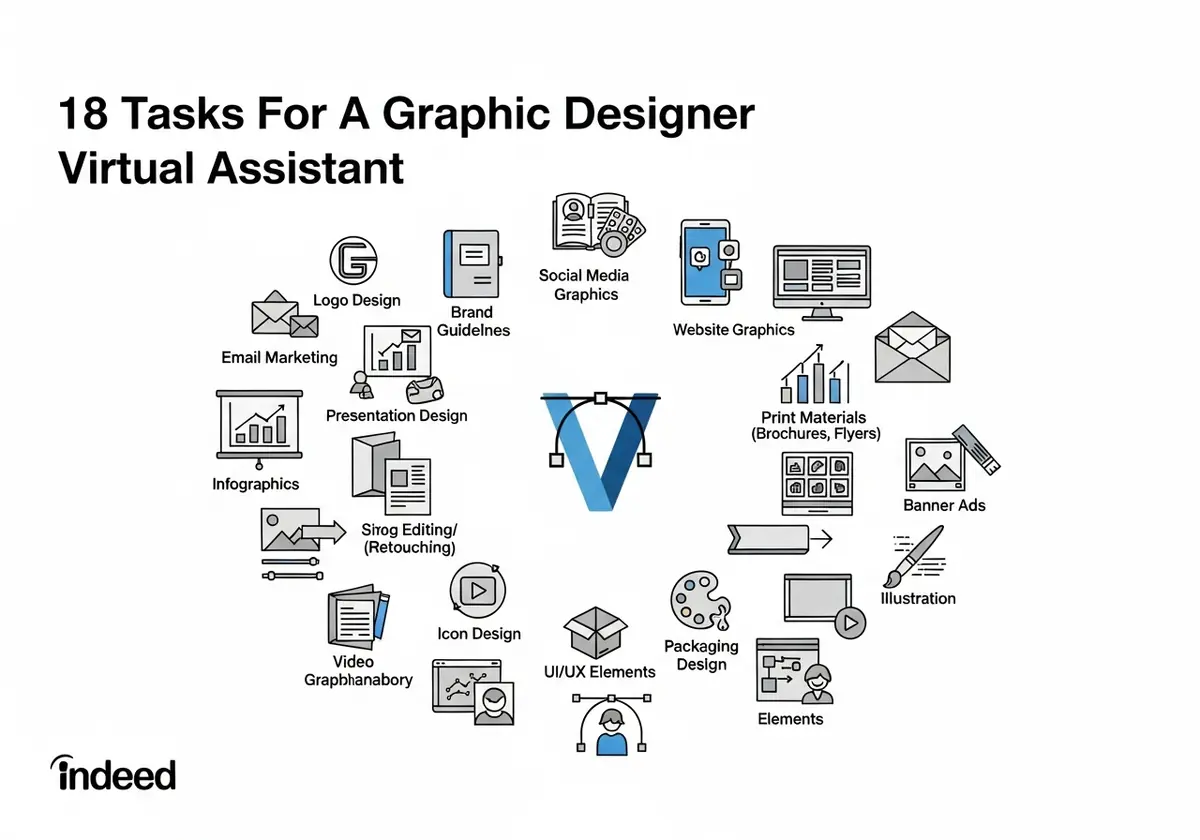
When you wish to add a new member to your team, Indeed is also one of the best platforms to be on.
The first thing you need to do is to create a job posting with a highly clickable job title and a standout job description.
Reviewing the resumes of the graphic design virtual assistant applicants thoroughly will help you find the right candidates for your hiring process.
After you filter the top candidates for your job post, you may now conduct an interview.
Moving forward, when you decide who to invite to join the graphic design virtual assistant
When the team accepts the job offer, you can create and send them the offer letter that covers everything you discussed over the phone.
3. Facebook groups
According to Talent Hero, Facebook groups are the only active groups on the Internet that allow recruiters to get a job posting in front of a targeted audience for free.
In most cases, Facebook groups are private, so you need to ask for permission before joining.
When administrators allow you to join the page, reread the group's allowed job postings. If they allow it, start by engaging in conversations.
Avoid posting jobs immediately; it may make you look like a spammer and get you banned from the group. Moving forward, when you post a job, make sure to add an outstanding title, description, the date you're posting the image, and the correct size.
4. Stealth Agents
Stealth for the Image Agents is a virtual assistant company that helps business owners save time and money.
Our virtual assistants can handle a variety of tasks, including general administration, customer service, marketing management, content marketing, graphic design, and more.
When hiring via virtual assistants, there's an onboarding process that pays, and it's because we handle it all for you! You can book a free consultation with us and let us know what your graphic design needs are. We will then find the best one. We will assist you with a service that can carry out the right tasks and work for you.
Takeaways
A graphic designer and a LinkedIn virtual assistant are significant assets to your team and business.
When it comes to marketing, having the right person with a special skill set in graphic design makes it easy to build a strong brand image and create a deep connection with your audience.
Are you ready to make your brand shine? A virtual graphic designer can help you create great visuals without the stress. Get started today!
Frequently Asked Questions
What qualifications should a graphic design virtual assistant have?
A good graphic design virtual assistant should have a portfolio showing skills in tools like Adobe Creative Suite and Canva. They should know design basics, understand how to keep branding consistent, and have strong communication skills. Formal design education or similar experience is a plus.
How much does it cost to hire a graphic design virtual assistant?
The cost depends on their experience and the work needed. Rates usually range from $8-25 per hour. More skilled or specialized assistants may charge higher rates. Some agencies, like Stealth Agents, help match you with top talent within your budget.
What time zones do graphic design virtual assistants work in?
Graphic design virtual assistants work in many time zones, including US, Europe, and Asia. Many can adjust their schedules to match your business hours for easier collaboration. Agencies often match you with assistants who can work during your preferred hours.
How quickly can a graphic design virtual assistant complete projects?
The time depends on the project. Simple tasks like social media graphics may take 2-4 hours, while bigger projects like brand identity packages can take 1-2 weeks. Most assistants provide timelines before starting. Experienced VAs are trained to work quickly while keeping quality high.
Do graphic design virtual assistants sign confidentiality agreements?
Yes, professional graphic design assistants sign NDAs to protect your designs, brand assets, and business information. Agencies like Stealth Agents ensure all assistants sign these agreements to keep your work private and secure.
Can graphic design virtual assistants work with my existing design team?
Yes, they can work with your in-house team or external agencies. They can follow your brand guidelines, use your tools, and fit into your workflows. Many assistants are experienced in team settings and can help during busy times or with extra work.
What file formats do graphic design virtual assistants provide?
They deliver files in formats like AI, PSD, PNG, JPG, PDF, SVG, and EPS. You’ll get high-quality files for printing and web-friendly versions. Professional assistants also provide source files for future edits.
How do graphic design virtual assistants handle revisions and feedback?
Most assistants include 2-3 rounds of revisions. They use tools like InVision, Figma, or shared drives to collect feedback and manage versions. Clear revision processes help ensure you’re happy with the final design.
Can graphic design virtual assistants handle rush or urgent projects?
Yes, many can take on urgent projects if you let them know in advance. Rush jobs may cost extra. Some agencies offer access to multiple assistants to meet tight deadlines.
What industries do graphic design virtual assistants specialize in?
They often focus on industries like healthcare, real estate, e-commerce, fintech, or professional services. Specializing helps them understand your audience, industry rules, and design trends. Agencies can match you with assistants experienced in your field for better results.