
Updated Feb 26, 2026
Excel and Sheets virtual assistant support is the smart way to simplify complex spreadsheets, automate tasks, and eliminate errors. Stealth Agents provides dedicated experts who optimize your Excel and Google Sheets workflows, so you save time, boost accuracy, and stay focused on growth.
Professionals spend an average of 9 hours per week working in spreadsheets-time that could be spent on anything else. Hiring a virtual assistant for Excel spreadsheets means having a dedicated expert who cleans your data, builds your formulas, and delivers accurate reports without you touching a single cell. Your data is a mess. Duplicates, inconsistencies, formulas that break, reports that take hours to build. Whether it's Excel or Google Sheets, inefficient data management kills productivity and causes expensive errors. A skilled VA can fix that, handling the repetitive work so you focus on what actually moves the business forward.
Stealth Agents offers experienced Excel and Sheets virtual assistants ready to tackle your data tasks fast, accurately, and on demand. Free up your time and make smarter decisions with expert support at your fingertips.
Excel and Sheets virtual assistant services have become increasingly indispensable in managing data-driven tasks, saving time, and optimizing resources. Studies show businesses can save up to 78% of operational costs when hiring a virtual assistant for automation tasks.
With workflow automation, tedious processes such as data entry, report generation, and formula creation in Excel and Sheets are handled seamlessly, allowing business owners to focus on growth.
The demand for virtual assistants is increasing, and understanding virtual assistant pricing has become essential for companies seeking to outsource.
Stealth Agents can help you find the perfect Excel and Sheets virtual assistant to meet your needs.
Book a free discussion today to explore your options and transparent excel and sheets virtual assistant.
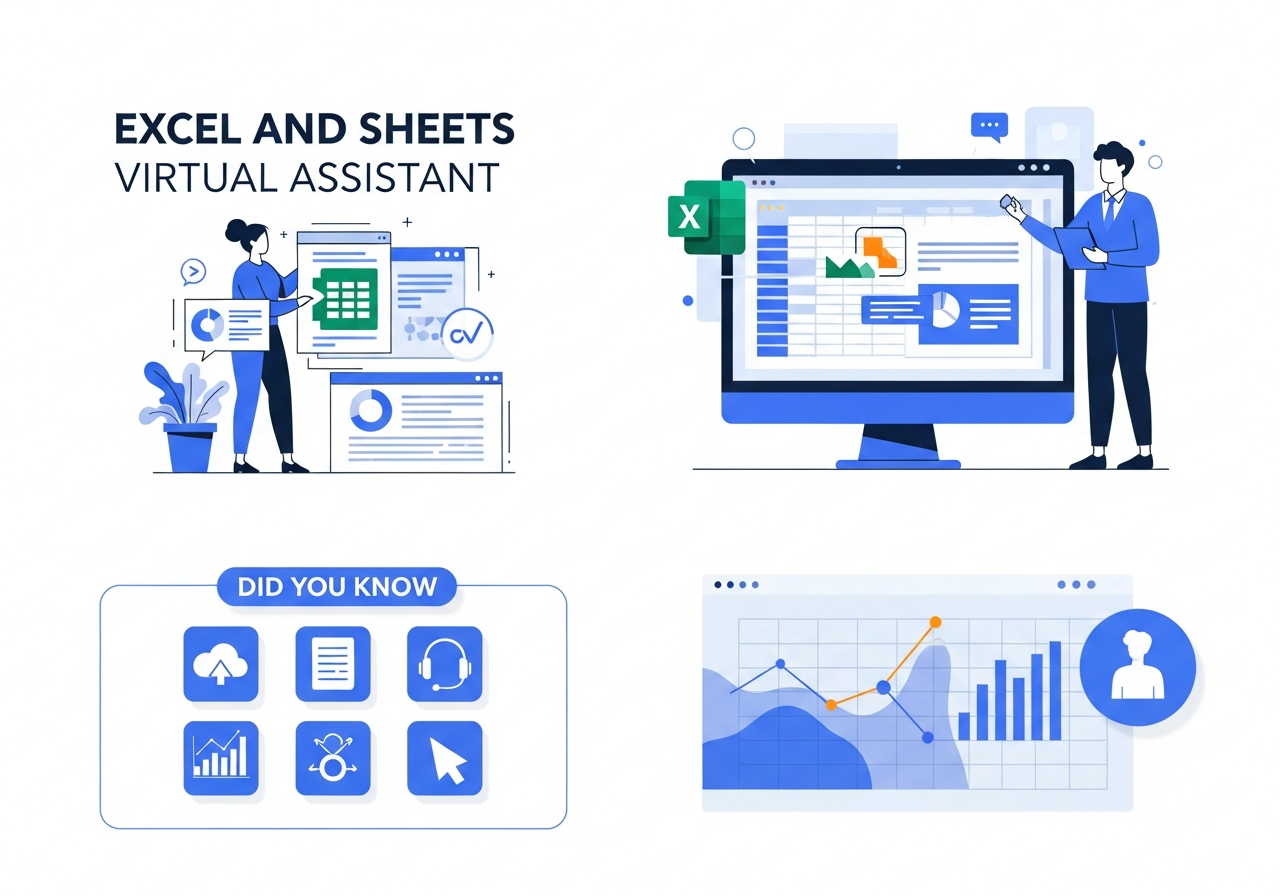
Understanding Excel and Sheets Virtual Assistant
Hiring an Excel and Sheets virtual assistant provides businesses with the advantage of customized spreadsheet solutions tailored to their unique needs.
Hire a Workspace VA who can create precise formulas and templates that simplify complex calculations, saving valuable time and ensuring accuracy.
With experience in platforms like Google Sheets and Microsoft Excel, they bring expertise that aligns with modern business demands.
Remote work platforms have made it easier to hire skilled virtual assistants who can adapt spreadsheets to specific workflows and industry requirements.
This level of customization enables better decision-making, particularly for businesses that rely on detailed reporting and analytics.
Filipino data entry professionals proficient in advanced functions, like data validation or conditional formatting, can streamline repetitive tasks and enhance productivity.
Hiring an Excel and Sheets virtual assistant ensures efficient and personalized service, reducing the workload for in-house teams while maintaining professional output.
What Is an Excel Virtual Assistant, and How Can They Help?
1. Streamlines Your Workflow for Better Productivity
An Excel virtual assistant specializes in managing and organizing data tasks to save you time and reduce errors. These professionals take over repetitive, time-consuming tasks, such as creating formulas or managing Excel sheets, so that you can focus on high-priority management tasks.
Using tools to automate tasks in Google Sheets or Excel, they simplify complex workflows into manageable steps. Whether you need routine data entry or advanced formula creation, they ensure your spreadsheets are accurate and well-organized. By bringing expertise in virtual workflow and systems assistants, they help you build structures that align with your business goals.
** **
Small businesses, in particular, benefit because they don't have to hire full-time staff to handle large volumes of data. With their support, you'll find it easier to achieve daily efficiency without stretching your resources.
2. Manages Data Entry Tasks with Precision
A virtual assistant Excel spreadsheets expert is skilled in handling all types of data entry tasks, whether large or small. They carefully input data into spreadsheets, avoiding common errors that can disrupt your business operations. If your team struggles with accuracy, outsourcing to a Filipino data entry professional can deliver high-quality results at affordable rates.
They can also manage databases for industries such as real estate, working as a virtual assistant. By outsourcing through data entry outsourcing services, you gain flexibility without adding the burden of training in-house staff. Their expertise ensures every spreadsheet is ready when needed, keeping your business running smoothly.
This level of accuracy and efficiency not only saves time but also prevents costly mistakes in reporting.
3. Creates Customized Templates and Reports
Whether you require sales tracking sheets or client reporting dashboards, creating automated workflow spreadsheets is a specialty of an Excel virtual assistant. They design templates tailored to meet your business needs, eliminating the hassle of starting from scratch each time.
For busy managers, having functional templates saves hours of manual data entry and enables quick data analysis. They can help hire firms to modernize Excel-based tools, ensuring all your reports are professional and easy to share. Additionally, their familiarity with tools like macros and advanced formulas reduces manual errors while speeding up repetitive processes.
When you work with a virtual assistant workflow specialist, they ensure every report aligns with your business requirements. With their expert touch, tracking growth and performance becomes not only simpler but also more insightful.
4. Automates Repetitive Processes to Save Time
By employing virtual assistant automation, an Excel virtual assistant streamlines tedious tasks such as data calculations and report updates. They set up systems so that repetitive actions, such as generating monthly financial summaries, can be done with a click of a button.
If you're wondering how to automate tasks in Google Sheets, they can guide you through setting up scripts or utilizing built-in tools. This automation ensures tasks are completed faster and with greater consistency, allowing your team to focus more on strategic work.
For international scaling businesses, such as those requiring Hire Workspace virtual assistant services, these systems boost efficiency without the need for in-house developers. Delegating automation to them ensures that day-to-day tasks are error-free and streamlined, yielding long-term benefits. This makes your operation faster, leaner, and primed for growth.
** **
5. Supports Advanced Data Analysis
For companies dealing with extensive data, a virtual assistant Excel expert plays a vital role in extracting meaningful insights. They utilize advanced tools such as pivot tables, conditional formatting, and VLOOKUPs to analyze raw numbers. Whether working with financial models, inventory lists, or sports analytics, a virtual assistant with Excel data expertise delivers actionable insights through easy-to-understand visuals.
These skills are especially critical when optimizing decision-making tools for sales or marketing plans. With their ability to provide detailed analysis, you can efficiently project trends and assess risks and opportunities. Their expertise extends to helping firms modernize Excel-based tools, making them invaluable for businesses that rely on quick and accurate decision-making. You're performing data analysis tasks, ensuring you're always one step ahead of your competition.
6. Simplifies Collaboration Across Projects
An Excel virtual assistant not only improves your productivity but also organizes collaborative projects with shared tools and files. Using platforms like Google Sheets, they ensure that all project members stay informed with real-time updates and synchronized data entries.
Their skills as a hired Google Workspace virtual assistant make them the perfect bridge for teams working remotely or across different time zones. By managing shared templates and tracking edits, they reduce errors caused by miscommunication or duplicate work.
Teams can focus better, knowing that an expert handles project data with precision and consistency. Virtual assistants can also automate reminders and milestones, so your projects remain on schedule without unnecessary follow-ups. This structured approach makes collaborations seamless and stress-free for all parties involved.
Delegating tasks to an executive assistant will improve your business's efficiency and reduce unnecessary stress. Whether you need automation, data entry, or customized templates, experts from Stealth Agents are ready to help. Contact us today to learn how these specialists can change how you manage spreadsheets forever.
Why Documenting Processes for Your Virtual Assistant Matters
Clear documentation is the secret weapon in making sure your virtual assistant delivers exactly what your business needs. When you take the time to outline tasks, step-by-step instructions, and expectations, you're setting your assistant up for a seamless onboarding no guesswork, no stumbling over missing details.
Providing comprehensive guidelines ensures that tasks are completed accurately every single time. It minimizes miscommunication, stops preventable errors before they happen, and reduces the risk of lost time or expensive mistakes.
This isn’t just helpful for virtual assistants; detailed documentation is best practice for onboarding anyone new to the team. Well-documented processes allow your virtual assistant to hit the ground running whether they’re formatting reports in Excel, syncing files in Google Sheets, or juggling updates across multiple projects.
How Process Documentation Eases Transitions
Comprehensive process documentation acts as your business’s safety net when your assistant is unavailable. Instead of scrambling to explain every workflow, you and your team can simply refer to well-organized guides or step-by-step checklists.
This centralized resource ensures that anyone stepping in, whether it’s for a day or longer, can pick up tasks with minimal disruption. They’ll find clear instructions on routine procedures like managing budget trackers, updating project sheets, or reconciling monthly reports right at their fingertips.
With everything stored in easily accessible platforms such as Google Drive or Microsoft OneDrive, temporary coverage becomes seamless. New team members or fill-ins can quickly get up to speed, reducing errors and saving valuable time.
Is There Automation in Excel?
Yes, Excel has many automation features that can save time and effort.
You can create formulas to perform calculations automatically or use tools like macros to handle repetitive tasks with a simple click.
Features like conditional formatting, pivot tables, and data sorting make organizing information quick and efficient.
Even if you're a tech expert, these tools are user-friendly and easy to apply, thanks to step-by-step guides.
By automating tasks in Excel, your business can focus less on manual work and more on essential goals.
What Efficiency Benefits Come from Virtual Assistant Automation?
1. Reduces Manual Workload
One of the most significant benefits of virtual assistant automation is the reduction of repetitive manual tasks. Instead of wasting time on data entry or organizing spreadsheets, an Excel virtual assistant sets up systems that handle these jobs automatically.
** **
Whether it's using macros or understanding how to automate tasks in Google Sheets, virtual assistants create seamless workflows that save hours each week. By integrating tools for creating automated workflow spreadsheets, they ensure consistent, error-free processes.
This enables business owners like you to concentrate on strategy and decision-making, rather than managing daily operations. Whether you're a startup or a large company, automation minimizes stress by ensuring you get things done without constant oversight. If you're working with a Filipino data entry professional, their skills can drastically improve your team's performance.
2. Saves Time with Task Automation
Automation, powered by manually workflowed business processes, transforms into simple, automated outputs. For example, a virtual assistant Excel spreadsheet specialist can create formulas to calculate sales reports or track inventory updates automatically.
They can also generate reminders and send recurring transfers to modernize workflows, ensuring that the company's workflows run smoothly and efficiently. With automation, repetitive tasks like updating records or issuing payment reminders are handled instantly.
This time-saving solution not only boosts productivity but also creates space to focus more on customer interactions and revenue-generating activities. It's an investment that keeps your business operations efficient and fast.
** **
3. Improves Data Accuracy and Organization
Errors in spreadsheets can lead to costly mistakes, but a virtual assistant for Excel leverages automation to enhance data accuracy. They use tools for normalizing data, creating automated workflow spreadsheets, or setting rules to prevent inconsistencies in large datasets.
This is particularly useful for industries like finance, where precision is vital, or for projects involving a virtual assistant or sports data expert using Excel. Automating data entry tasks ensures information is organized uniformly, reducing the risk of human error.
** **
Furthermore, when paired with data entry outsourcing services, these systems scale up effortlessly, regardless of the volume of work. Accurate data keeps your business running smoothly and arms you with reliable insights. With your virtual assistant managing your data, you can make smarter, faster decisions without worrying about spreadsheet mistakes.
4. Speeds Up Report Generation
Generating reports manually can be time-consuming, but setting up a virtual assistant automation streamlines this process into a fast and efficient one. An Excel virtual assistant can create templates for financial summaries, project updates, or sales reviews, all of which automatically populate with the latest data.
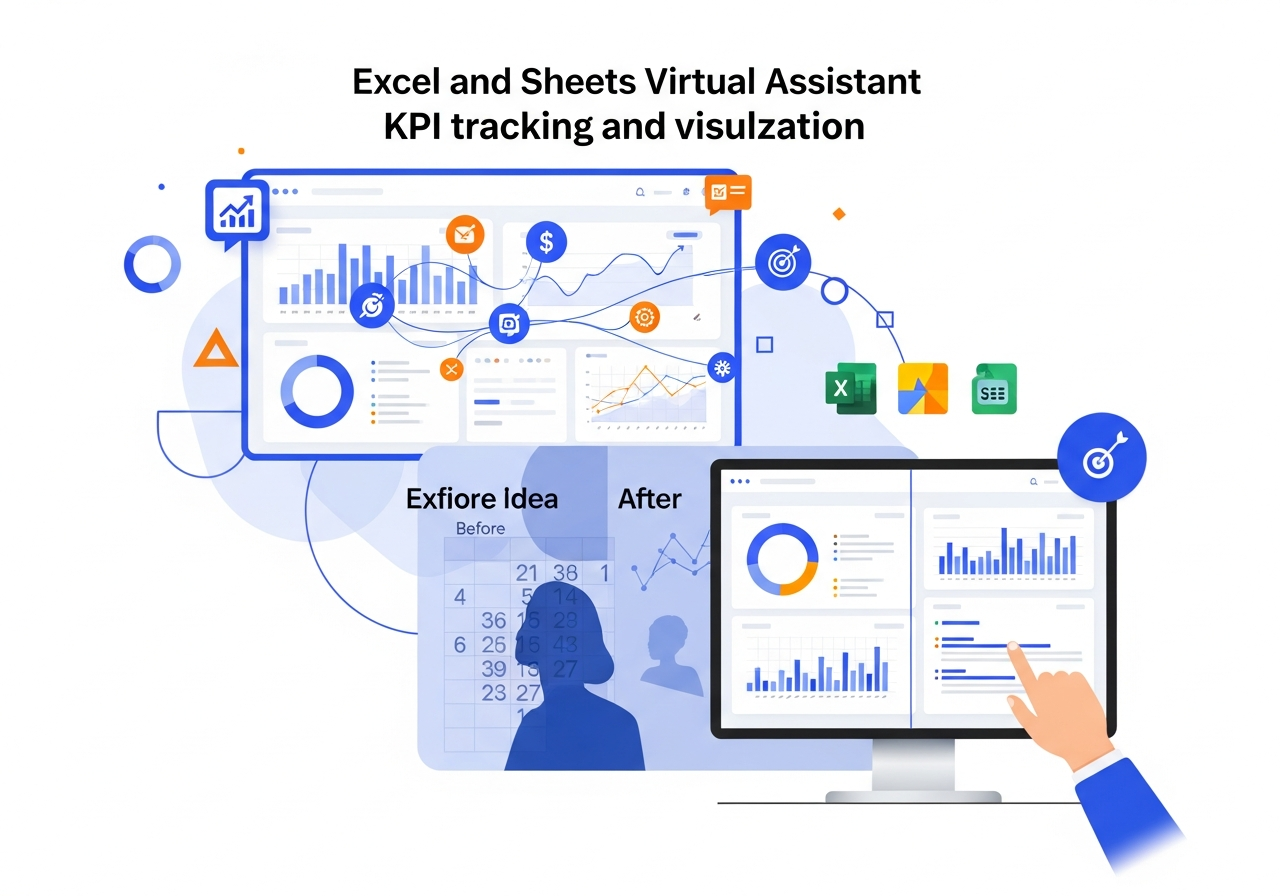
For businesses wanting real-time visibility, hiring a Google Workspace virtual assistant ensures reports are updated as tasks are completed. They can even set up dashboards for tracking performance metrics or forecasting, giving you easy access to insights at a glance.
** **
This saves hours that would otherwise be spent compiling and editing data manually. With these systems in place, you stay informed about crucial KPIs without letting reporting slow you down. Automated reporting approaches ensure that decisions are informed by data and made promptly.
5. Offers Scalability for Growing Businesses
Businesses looking to scale often find that keeping up with increasing operational demands is challenging. A virtual assistant workflow expert utilizes automation to create scalable systems that expand in line with your business. By implementing advanced formulas and workflows, they ensure that large team donations or higher volumes of transactions don't overwhelm your processes.
For businesses operating across various industries, such as hiring a Filipino data entry professional or outsourcing Excel tasks, scalable automation ensures consistency. Repetitive processes, such as customer onboarding, order tracking, or data processing, can expand seamlessly without sacrificing quality.
Once systems are automated and scalable, businesses can redirect resources toward core growth strategies and customer satisfaction. Automation acts as the backbone for companies preparing to meet higher demands without overburdening their teams.
6. Enhances Collaboration Across Teams
Automation enhances team collaboration by refining the process of sharing, updating, and storing data. Using tools like Google Sheets, a virtual assistant, or Excel spreadsheets, an expert ensures that everyone on your team has access to a centralized, real-time database.
Collaborations that typically get delayed by manual updates are resolved using automated notifications, reminders, or workflows. This is especially beneficial if you hire Google Workspace virtual assistant services to handle shared spreadsheets for remote teams.
Why Upfront Task Documentation Pays Off
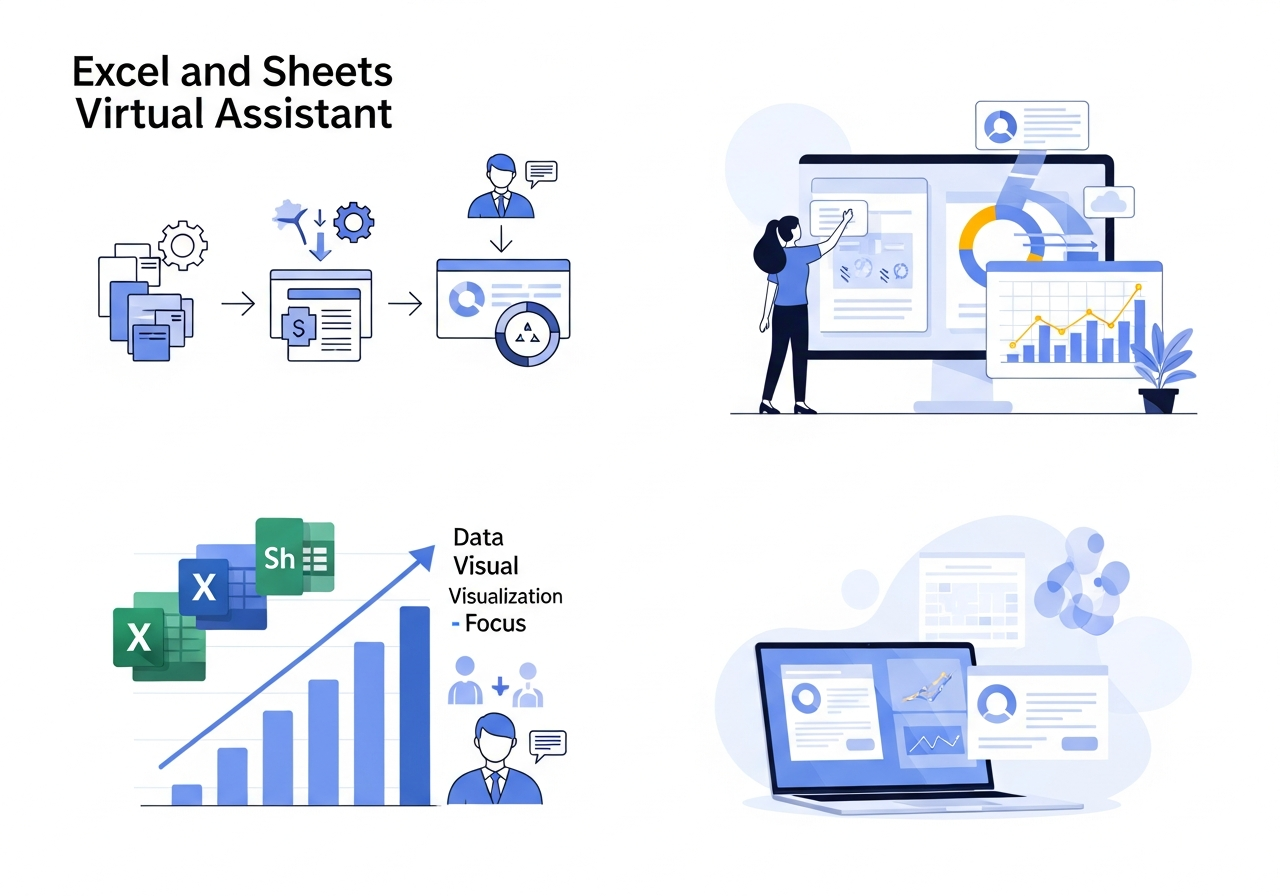
For business owners, investing time to thoroughly document tasks is one of the smartest moves you can make when bringing a virtual assistant on board. At first glance, creating written guides for processes you know by heart might seem like just another item bogging down your to-do list. However, much like setting up an automated workflow or a reliable Excel template, a little groundwork leads to lasting rewards.
Think of clear instructions as the blueprint for success especially for new hires unfamiliar with your unique systems. Without these references, your virtual assistant is left to piece things together, which can open the door to avoidable errors and costly missteps.
Just as you wouldn’t expect a Google Workspace specialist or a Filipino data entry pro to perform miracles without context, it’s crucial to arm your assistants with step-by-step guides and expectations from the outset.
Here’s why this matters:
-
Consistency: Comprehensive documentation guarantees that each task is completed accurately, no matter who’s handling it.
-
Efficiency: Instead of answering the same questions repeatedly, your upfront investment means a virtual assistant can resolve most uncertainties independently.
-
Scalability: As your team or business grows, new members can ramp up faster by referencing established guidelines, enabling your business to expand seamlessly.
-
Reduced Interruptions: The right instructions minimize disruptions to your own day, freeing you up to focus on growth, not micromanagement.
How Documented Processes Drive Long-Term Time Savings
One of the smartest ways businesses streamline efficiency is by thoroughly documenting their processes from the very beginning. While it may feel like extra work to write out step-by-step instructions for tasks that have become second nature, this small investment pays substantial dividends as your company grows.
When you onboard a virtual assistant, questions are bound to arise as they get acquainted with their new responsibilities. By providing a well-documented process guide upfront, you arm your assistant with a reliable reference significantly reducing repeated interruptions and clarifications. This ensures your team spends less time re-explaining details and more time moving projects forward.
Over time, as your assistant becomes familiar with your systems, the frequency of questions naturally declines. However, clear documentation smooths the transition period, minimizes workflow disruptions, and fosters greater independence for your support staff.
Ultimately, a robust process manual serves as a blueprint for anyone new to your team speeding up training, maintaining consistency, and keeping operations running seamlessly as you scale. With strong documentation in place, you can delegate with confidence, reclaim hours each week, and focus on priorities that drive growth
Can a Virtual Assistant Do Data Entry?
A virtual assistant can handle data entry with precision and care.
They can input large amounts of information into spreadsheets or systems, ensuring everything is accurate and well-organized.
A VA can take over these tasks, whether time-consuming or not, such as sending client details, sales records, or product lists.
With their help, you can save hours each week and channel your energy into more significant priorities.
Additionally, they work remotely, providing you with flexibility while ensuring the job is completed efficiently.

How Can Excel and Sheets Virtual Assistants Save Costs for Your Business?
Hiring an Excel and Google Sheets virtual assistant is a practical way to reduce business expenses and increase productivity.
By outsourcing data entry tasks such as data entry, report creation, and spreadsheet management, businesses reduce the need for full-time in-house staff and save on salaries, office space, and benefits costs.
Many skilled Filipino virtual assistants offer flexible arrangements through remote work platforms, making them accessible with competitive online job rates.
This is especially valuable for small businesses or startups needing high-quality work without the financial pressure of maintaining on-site employees.
An Excel and Sheets virtual assistant can quickly develop customized solutions for complex spreadsheets, ensuring accuracy and efficiency in project delivery.
The growing pool of remote freelancers enables businesses to find experts proficient in tools such as Google Sheets and Microsoft Excel.
Companies can meet their operational needs by hiring Filipino virtual assistants while controlling costs and achieving measurable results.
How Outsourcing Solves Back-Office Headaches
Hiring someone else to do your office work can help you avoid the common problems of doing it yourself.
When you give these tasks to a good virtual assistant, you can expect:
-
Fewer Expensive Errors: Experts who know programs like QuickBooks or Xero will enter your data correctly and follow the rules. This lowers the chance of mistakes.
-
Smoother Operations: When you have help with boring or repeated tasks like sending bills, filing taxes, or checking accounts, you'll have fewer interruptions.
-
Worry-Free: You won't have to stress about new rules or check every number. Your assistant will make sure everything works well in the background.
What Industries Benefit Most From Hiring an Excel and Sheets Virtual Assistant?
1. Retail and E-commerce
The retail and e-commerce industries rely heavily on data management to track sales, analyze inventory, and develop effective pricing strategies.
Hiring a Filipino virtual business assistant can significantly enhance the efficiency of tasks such as managing product databases, tracking daily sales, and generating dynamic reports for inventory management.
These assistants can create customized purchase order templates and automate repetitive calculations, enabling businesses to focus on increasing revenue.
With trending online job platforms offering skilled virtual assistants, retail companies can easily find professionals adept at handling bulk data in Google Sheets and Excel.
Whether maintaining accurate stock counts or preparing sales projections, an Excel and Sheets virtual assistant ensures that small- and large-scale e-commerce operations stay organized.
They can generate detailed charts and tables to help owners make informed decisions about seasonal sales trends or customer behavior patterns.
Hiring the right talent saves time and reduces the workload on in-house staff, delivering tailored solutions for the specific needs of retail and e-commerce businesses.
2. Financial Services and Accounting
The financial sector thrives on accuracy, efficiency, and data analysis, making it one of the top industries to benefit from hiring a virtual assistant for Excel and Sheets.
These professionals assist with everything from tracking expenses and cash flows to creating financial models and reports, ensuring that businesses always have accurate financial insights.
They can handle tasks like consolidating budgets, automating payroll spreadsheets, and maintaining organized records of transactions using Excel or Google Sheets.
Clients can easily find candidates experienced in handling large datasets and advanced formulas through trending online job platforms.
Virtual assistants in this field are skilled at applying functions such as pivot tables and VLOOKUPs, which are essential for effectively organizing and analyzing financial data.
They can also customize templates for tax filings or quarterly assessments, eliminating room for errors.
By hiring a virtual assistant with expertise in finance, businesses can efficiently manage tedious data entry tasks while accessing meaningful and actionable insights without extra effort.
3. Marketing and Advertising
Marketing and advertising professionals often handle vast amounts of data for campaign management, lead validation services, and performance analysis.
An Excel and Sheets virtual assistant can handle these responsibilities by organizing marketing calendars, tracking social media engagement metrics, and analyzing campaign return on investment (ROI).
Virtual assistants in this industry frequently utilize advanced features, such as dynamic charts and conditional formatting, to provide visual representations of data, which aid in presentations and planning sessions.
Hiring skilled virtual assistants enables agencies to leverage their expertise in creating customized reporting dashboards and optimizing marketing workflows using Google Sheets and Excel.
Online platforms feature numerous assistants proficient in handling tools often used in marketing roles, such as keyword trackers or ad placement analyzers.
An Excel and Sheets virtual assistant enhances productivity by centralizing data and creating efficient tracking mechanisms. This allows marketing teams to focus on creativity and strategic planning.
4. Real Estate and Property Management
Real estate firms and property management businesses handle large quantities of client and property information, which must be organized and easily accessible.
An Excel and Sheets virtual assistant is perfect for creating property listings, tracking leads and appointments, and managing rental income or payment schedules.
These assistants can help generate property comparison sheets, maintain up-to-date contact sheets, and even manage online project collaboration.
With experienced talent readily available on remote job platforms, hiring virtual assistants who specialize in Excel or Google Sheets reduces administrative burdens and risks associated with disorganization.
They can prepare visually comprehensive reports that help agents analyze market opportunities or optimize client portfolios.
Whether creating occupancy schedules or generating cost analysis templates, an Excel and Sheets virtual assistant provides operational support tailored to the real estate sector requirements.
5. Healthcare and Medical Administration
The healthcare industry relies on efficient and accurate data handling to maintain comprehensive records and streamline administrative workflows.
Hiring an Excel and Sheets virtual assistant helps manage patient records, appointment schedules, billing statements, and compliance documentation using spreadsheet tools.
With trending platforms hosting experienced medical virtual assistants, healthcare facilities can find professionals skilled in advanced Excel functions, such as data validation and error checking.
These assistants can also automate recurring processes such as patient billing or inventory tracking for medical supplies.
Their ability to create customized templates and track large datasets allows hospitals, clinics, and practitioners to prioritize patient care without worrying about tedious administrative tasks.
** For facilities managing large volumes of information, a virtual assistant in Excel and Sheets becomes reliable in maintaining order and accuracy in day-to-day operations.**
Streamlining Core Business Functions
Many companies pay other businesses to handle certain jobs so they can work better and save money. Common jobs that are given to others include:
-
Money Matters: Experts from outside the company can handle tasks like tracking money, creating financial reports, and making budgets. This helps make sure everything is correct and follows the rules.
-
**Paying Employees:**Special services can take care of paying salaries, handling deductions, and preparing tax forms at the end of the year.
-
**Following Rules:**Rules and laws are always changing. Many companies hire outside experts to handle legal paperwork and make sure they are following all the rules.
-
**Office Admin Tasks:**Jobs like keeping official company records and getting papers ready for meetings are often handled by assistants from other companies.
What Tasks Can an Excel and Sheets Virtual Assistant Handle for Your Business?
1. Data Cleaning and Organization
An Excel and Sheets virtual assistant can manage data cleaning and organization tasks to ensure that business records are error-free and up-to-date.
They specialize in removing duplicate entries, formatting datasets, and organizing information into logical columns or tables for easier analysis.
Hiring experienced professionals means your business enjoys reliable spreadsheets that can handle volumes of data precisely.
This is especially vital for companies that rely on extensive customer datasets, sales records, or inventory logs.
Virtual assistants also utilize tools such as data validation and conditional formatting to enhance the accuracy of your files.
** By streamlining data organization, they reduce errors and create a strong foundation for informed decision-making.**
Delegating this responsibility to a skilled assistant allows your team to focus on their core tasks while having access to ready-to-use, well-organized information.
2. Preparing Financial Reports
Hiring an Excel and Sheets virtual assistant is instrumental in creating accurate financial reports.
This includes budgeting, forecasting, and expense tracking for small or large corporations.
A skilled assistant can set up automated formulas to calculate monthly expenses, profits, and losses accurately and efficiently.
They are proficient in creating detailed financial dashboards that visualize key data trends using graphs, charts, and pivot tables.
** Their knowledge of functions like VLOOKUP and SUMIF can make consolidating financial data across multiple spreadsheets seamless.**
These assistants provide customized solutions for businesses that need to track yearly progress or manage complex tax calculations.
Having someone dedicated to managing tedious financial data is a cost-effective way to stay compliant and prepared for audits.
With a focus on precision, an Excel and Sheets virtual assistant supports business growth through clear and actionable financial insights.
3. Creating and Maintaining Inventory Lists
Keeping track of stocks and supplies is crucial for many businesses, and a virtual assistant for Excel and Sheets ensures that all inventory records are up to date.
They established systems for efficient inventory management, including listing stock quantities, item descriptions, suppliers, and reorder dates.
Organizing this data into structured spreadsheets helps ensure that nothing is overlooked.
Hiring virtual assistants skilled in inventory-related tasks can help businesses avoid costly stockouts or overordering.
Advanced features, such as drop-down menus, color-coding for stock levels, and automated alerts for low inventory, further enhance efficiency.
With tools like Google Sheets, these assistants streamline collaboration between suppliers and team members, ensuring everyone is on the same page.
Retail, manufacturing, and distribution businesses benefit significantly from these services, as they make inventory management hassle-free.
An Excel and Sheets virtual assistant provides the structure and methods to track inventory easily.
4. Scheduling and Task Tracking
An Excel and Sheets virtual assistant works exceptionally well when organizing schedules and tracking tasks for business operations.
They can create intuitive schedules, monitor deadlines, and efficiently handle task assignments.
By using project management spreadsheets, they ensure every team member stays updated and accountable for their responsibilities.
These assistants can integrate shared Google Sheets with teams, making real-time updates accessible to everyone involved in a project.
Hiring a skilled assistant to track and organize tasks using customized templates significantly simplifies workflows.
Color-coded progress trackers, automated reminders, and detailed timelines help businesses operate more effectively.
Teams are better equipped to manage complex projects because they have a visual representation of both short-term and long-term goals.
Delegating scheduling and task tracking to a virtual assistant lightens the load for managers and adds structure to daily operations.
5. Generating Data-Driven Insights
An EA is a spreadsheet assistant who helps by utilizing pivot tables and advanced filters to turn raw data into meaningful reports.
Companies can stay ahead in competitive markets by hiring virtual assistants who generate data-based insights.
These assistants can also help set up tracking dashboards to monitor performance metrics such as sales trends, campaign success rates, and customer demographics.
They combine visual tools such as graphs and charts with commentary to deliver actionable insights for teams to discuss during planning sessions.
Whether for analyzing past performance or setting future benchmarks, having an assistant dedicated to this task ensures businesses remain data-driven.
This task benefits marketing agencies, finance teams, and sales departments.
6. Customizing Templates for Recurring Use
An Excel and Sheets virtual assistant can design reusable templates that save businesses a significant amount of time and effort.
Templates for invoices, sales reports, performance tracking, or payroll calculations can be customized to meet the unique needs of any business.
These templates come pre-filled with necessary formulas and formatting, thereby reducing the potential for errors during use.
Hiring a virtual assistant experienced in Excel and Google Sheets ensures these templates include user-friendly features, making them accessible to all team members.
Businesses that rely on frequent reporting or repetitive data entry find these templates extremely useful for streamlining their daily tasks.
Automating recurring elements, such as date adjustments or column totals, makes templates more convenient and minimizes manual input.
A skilled virtual assistant ensures your templates look professional and function seamlessly, improving operational efficiency.
Once created, these templates serve as reusable resources that can be used across various departments.
7. Automating Repetitive Processes
Repetitive processes, such as data entry or calculations, can be effectively automated with the help of an Excel and Sheets virtual assistant.
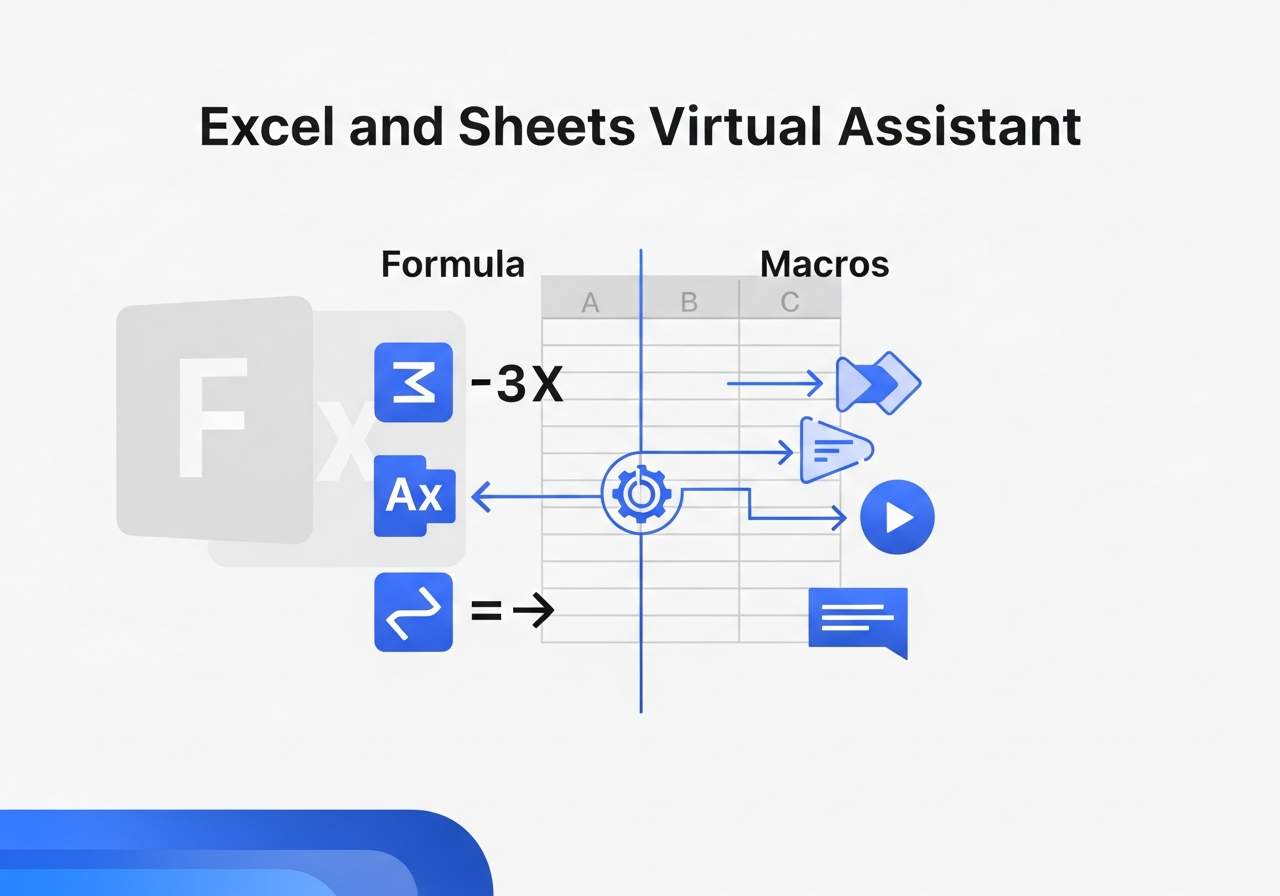
They are proficient in setting up macros, advanced formulas, and scripts that reduce manual workload and minimize errors.
** Hiring such an assistant saves businesses a significant amount of time on high-volume processing tasks.**
They optimize daily operations by automating tasks such as monthly invoice creation and regular performance updates.
Proficient assistants in automation also ensure scalability by setting up workflows that grow with the business.
They test and refine automated processes to ensure they run smoothly without constant intervention.
By delegating these processes to a virtual assistant, businesses can enjoy streamlined operations and increased reliability in handling recurring tasks while freeing their team to focus on innovation and strategy.
Overcoming Transition Challenges with Clear Documentation
Transitioning tasks to a virtual assistant isn’t always as seamless as we’d like especially if you’ve been performing certain routines on autopilot for years. One of the most common pitfalls is assuming that what’s intuitive for you will come naturally to your assistant, too. This assumption often leads to vague instructions and gaps in communication, opening the door to misunderstandings and mistakes.
A lack of detailed documentation can quickly turn onboarding into a trial by fire for your new assistant. Instead of diving right in, they’re left to decipher unwritten rules and unspoken preferences, which can result in delays, inefficiencies, or errors that ripple through your operations.
Why Documentation is Essential
Proper documentation acts as a roadmap, ensuring tasks are handled correctly from day one. Laying out step-by-step guides, checklists, and reference materials gives your assistant the clarity they need to deliver results that meet your standards consistently.
Whether it’s outlining a precise workflow for weekly reports or providing templates for client communications, taking the time to articulate your processes sets both you and your assistant up for success.
Here are a few ways strong documentation helps smooth out the transition:
-
Ensures consistency regardless of who’s tackling the task.
-
Reduces repetitive questions and clarification requests.
-
Minimizes errors and omissions that can be costly to resolve later.
-
Speeds up ramp-up time, so your assistant can become truly productive faster.
Of course, creating comprehensive instructions might feel like extra work at first. But much like setting up an automation or refining a spreadsheet macro this upfront investment pays dividends, freeing you from constant oversight and repetitive Q&A. Over time, as your virtual assistant grows more familiar with the documented processes, you’ll see a noticeable drop in interruptions and a welcome boost in efficiency.
By clearly capturing your routines, you transform knowledge that lives only in your head into actionable resources, turning the handoff of any task into a well-oiled process rather than a source of frustration.
What toInclude in a Process Document for a Virtual Assistant
A comprehensive process document is the backbone of seamless delegation. It ensures your virtual assistant can confidently handle any recurring task with minimal supervision no guesswork required.
When crafting a process document, clarity is king. Break down each action into distinct, ordered steps. Ambiguity is the enemy of efficiency clear, step-by-step instructions leave no room for misinterpretation, whether it’s booking travel or inputting monthly expenses.
Include any credentials or access instructions necessary for platforms or systems involved, securely referencing where login details are stored. Don’t overlook essential contact information for key team members your assistant should know exactly who to reach if roadblocks arise.
Be explicit about timing. Specify whether the task recurs weekly, monthly, or during specific business cycles. For routine deadlines, suggest the use of calendar reminders or task management tools this ensures nothing falls through the cracks.
Here’s a framework to guide your documentation:
-
Task Overview: Brief summary of the task and its purpose.
-
Step-by-Step Instructions: Each step is listed in sequence; avoid lumping multiple actions into a single bullet.
-
Rules and Preferences: Any specific guidelines (“Never book a flight before 9am,” “Always select vegetarian meal options”).
-
Access Requirements: Where to find credentials or sensitive info, with secure references.
-
Key Contacts: Team members or executives to confirm key details or approvals.
-
Timing and Frequency: Precise schedule for task execution and relevant reminders.
-
Communication: Templates for necessary emails or updates, along with required documentation to attach or include.
-
Checklist Format: Use clear bullet points for each requirement or data point to capture (e.g., booking confirmations, travel details).
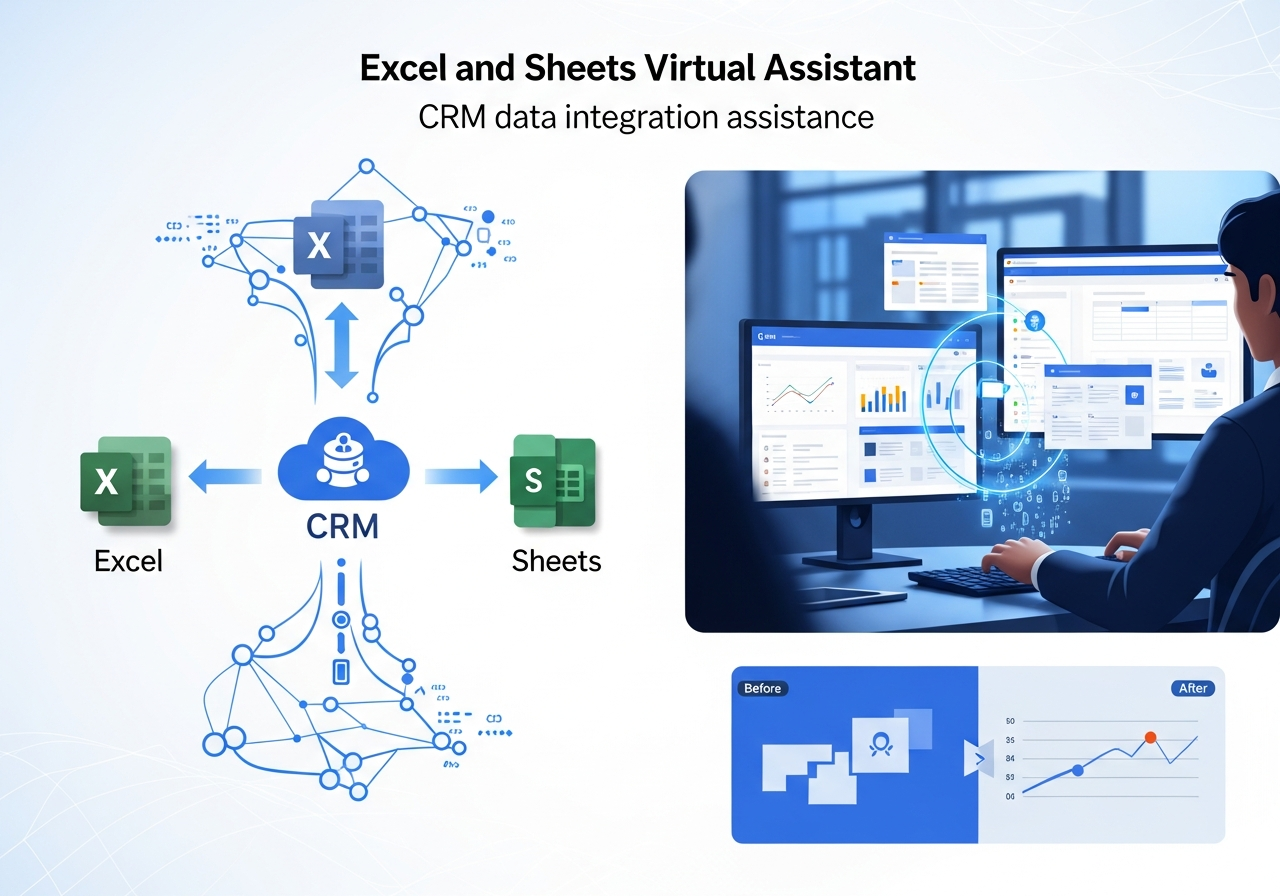
The Risks of Vague Instructions
When new hires or virtual assistants don’t receive clear, detailed instructions, the door opens to miscommunication and preventable mistakes.
Without structured guidance, even the most skilled assistants are left guessing your expectations and priorities. This can result in deliverables that miss the mark, inconsistencies in the final output, and a higher likelihood of errors slipping through the cracks.
Ultimately, this lack of clarity can cost your business extra time and money turning simple onboarding into a costly game of trial and error.
To maximize efficiency and ensure smooth collaboration, well-defined processes and precise instructions are essential from day one. This way, your assistant isn’t just busy they’re busy doing exactly what your business needs.
How to Find a Reliable Excel and Sheets Virtual Assistant?
Finding the right Excel and Sheets version may seem challenging, but this step-by-step guide makes the process easier and more fruitful.
Step 1. Define Your Needs Clearly
Start by writing down all the specific tasks for which you need help.
Do you need assistance creating formulas, managing data, or building spreadsheets from scratch?
Having clear goals helps you find someone with the right skills and experience.
This step also saves time when reviewing applications since you know exactly what to look for.
More importantly, it ensures you hire someone who understands your expectations.
Step 2. Research Trusted Virtual Assistant Services
Instead of searching endlessly, focus on reputable companies that specialize in providing virtual assistants.
One excellent option is Stealth Agents, which is known for offering highly skilled professionals to assist with Excel and Sheets tasks.
Review client testimonials and success stories to verify the quality of our service.
** Stealth Agents handles the screening process, ensuring you receive a reliable and experienced assistant.**
Choosing a trusted service minimizes risks and avoids wasting time or money.
Step 3. Ask About Their Expertise in Excel
When communicating with the agency or potential assistants, ask detailed questions about their experience and expertise to gain a deeper understanding.
For example, have they worked on creating pivot tables, macros, or automated reports?
Someone experienced will confidently explain their past projects and how they helped others like you.
This allows you to gauge their skills and ensures they can handle complex tasks if needed.
With Stealth Ayou, you have pre-vetted and specialized tools like Excel and Sheets.
Step 4. Request a Trial Period or Small Project
Start with a small test project to ensure the assistant is a good fit.
For instance, you could ask them to clean up data or prepare a sample report.
This gives you a first-hand look at their work quality, speed, and attention to detail.
A trial period also helps you determine how well they communicate and stick to deadlines.
With Stealth Agents, you can easily set up a trial before making a full commitment, which gives you confidence in your decision.
Step 5. Prioritize Communication and Ensure
Your Virtual Assistant Can Effectively Communicate Updates and Safely Handle Sensitive Data.
Discuss preferred communication tools, such as email or Slack, to maintain organization.
Also, confirm that secure methods are used for sharing files and confidential information.
Stealth Agents prioritize security by ensuring all their assistants follow strict confidentiality protocols.
This way, you can foaboudata'data'stydatastydata without worrying about data's aboudata'data'stydatastydata data An Excel and Sheets virtual assistant is critical in simplifying and automating workflows for businesses of all sizes.
From handling data entry and creating detailed reports to developing reusable templates and automating repetitive tasks, these professionals help companies stay organized and productive.
With their expertise, you can save time, reduce errors, and focus more on growing your business, experiencing the benefits of hiring a virtual assistant. Stealth Agents can help.
They offer experienced professionals who can manage your specific tasks with precision and expertise.
** To find the right fit for your needs, call Stealth Agents today and schedule a complimentary discussion to explore your preferences and pricing options.**
Do not hesitate to take advantage of this opportunity and enhance the efficiency of your operations.
Custom Template Creation Services
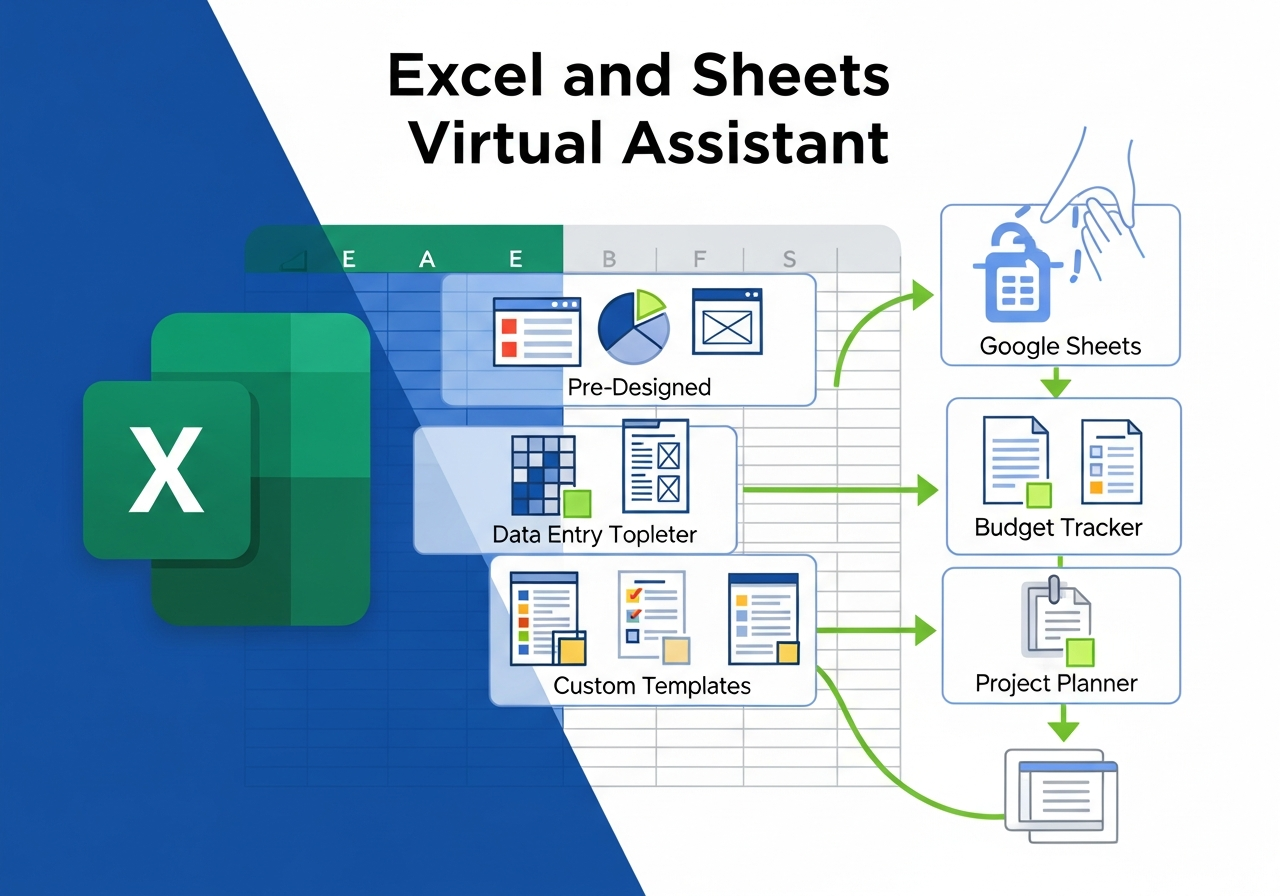
How Do Stealth Agents Support Creating Automated Workflow Spreadsheets?
1. Customize Spreadsheets to Meet Your Business Needs
Stealth Agents offers services that help businesses tailor spreadsheets for their unique operations with the help of a skilled Excel virtual assistant. Whether your company requires tracking tools for financial records or sales data, our team creates templates tailored to your workflow.
We work with businesses across various industries, handling tasks such as setting rules and formulas for virtual assistant Excel spreadsheets to minimize manual adjustments. For busy teams, ourvirtual workflow and systems assistant professionals ensure every spreadsheet is designed with your specific processes in mind.
By collaborating with you, we create clear and functional tools that simplify daily tasks. This level of customization ensures smooth operations while eliminating common spreadsheet frustrations. Whether for routine data management or advanced functions, our support ensures your spreadsheets work smarter for you.
2. Builds Automated Processes to Save Time and Effort
Our virtual assistants excel in creating automated workflow spreadsheets that streamline repetitive tasks, saving you hours every week. They can set up systems, such as macros and advanced formulas, which automate processes like reports, budgeting, or sales tracking.
Our team also specializes in teaching businesses how to automate tasks in Google Sheets, ensuring flexibility across platforms. These automated systems not only simplify complex formulas but also ensure tasks are accurate without intervention.
By automating high-volume tasks, our assistants enable teams to focus on strategic objectives rather than tedious details. Whether you need help with payroll spreadsheets or project updates, automation ensures faster and more reliable results. Partnering with Stealth Agents means fewer mistakes and more time for decision-making.
3. Provides Skilled Experts for Data Accuracy
Accuracy is critical for business success, which is why Stealth Agents assigns highly trained professionals, such as Filipino data entry professionals. Our virtual assistants specialize indata entry outsourcing services, ensuring that every spreadsheet is error-free and well-organized.
They utilize advanced tools and workflows to clean data, validate entries, and maintain consistent formatting. If your business requires detailed reports or complex analysis, a virtual assistant with data analysis and Excel expertise is available to deliver precise results.
By keeping data up-to-date and organized, we help avoid missteps that can disrupt operations. Our experts are also skilled in creating structured, searchable databases for easy access and retrieval. You can trust Stealth Agents to deliver high-quality work that keeps your business running smoothly.
4. Supports Project Collaboration and Transparency
Stealth Agents enhances teamwork by ensuring spreadsheets are structured for easy collaboration, even among remote teams. Hire a Google Workspace virtual assistant from our team to help set up shared spreadsheets, enabling real-time updates and seamless file sharing.
This makes it easy for team members to access, edit, and track progress in one centralized file. For companies concerned about security, virtual assistants offer customizable permissions, allowing control over who can edit or view critical documents. Automated reminders and workflows ensure every team stays coordinated and hits deadlines efficiently.
From live task dashboards to shared templates, we empower teams to work smarter together. With Stealth Agents managing your virtual assistant workflow, you minimize confusion and boost productivity across all your projects.
5. Offers Modernization for Long-Term Efficiency
Stealth Agents helps businesses with fifth-generation tools, replacing spreadsheets with better alternatives, making them easier to use and maintain.
Through virtual assistant automation, we replace manual steps with automated solutions that increase reliability and speed. For industries with specific needs, such as finance or marketing, our virtual assistants develop tools that can adapt to growth without interruption. We also provide long-term support for businesses that require regular updates or additional customization of their spreadsheets.
This modernization guarantees that your tools remain efficient as your business scales. By partnering with us, you gain access to reliable systems that continue delivering results for years to come.
6. Teaches You How to Automate Tools
Stealth Agents doesn't just set up tools; we also ensure clients understand how to maintain and maximize their use. Through tutorials and ongoing consultation, our experts guide you on how to automate tasks in Google Sheets and other platforms.
This includes showing teams how to update formulas, refine workflows, or troubleshoot common issues. If your team manages large datasets, we train staff to work efficiently with functions like conditional formatting and scripts. Our goal is to make your automation sustainable, empowering you with skills that will be useful in the future.
By learning from a virtual assistant Excel professional, you ensure that your systems continue to operate effectively over time. You can always rely on Stealth Agents for support whenever you need adjustments or upgrades.
Stealth Agents goes beyond creating spreadsheets we simplify and elevate how your business operates. Contact us today to start building more intelligent workflows that save time and reduce stress! Visit Stealth Agents for professional, customized assistance.
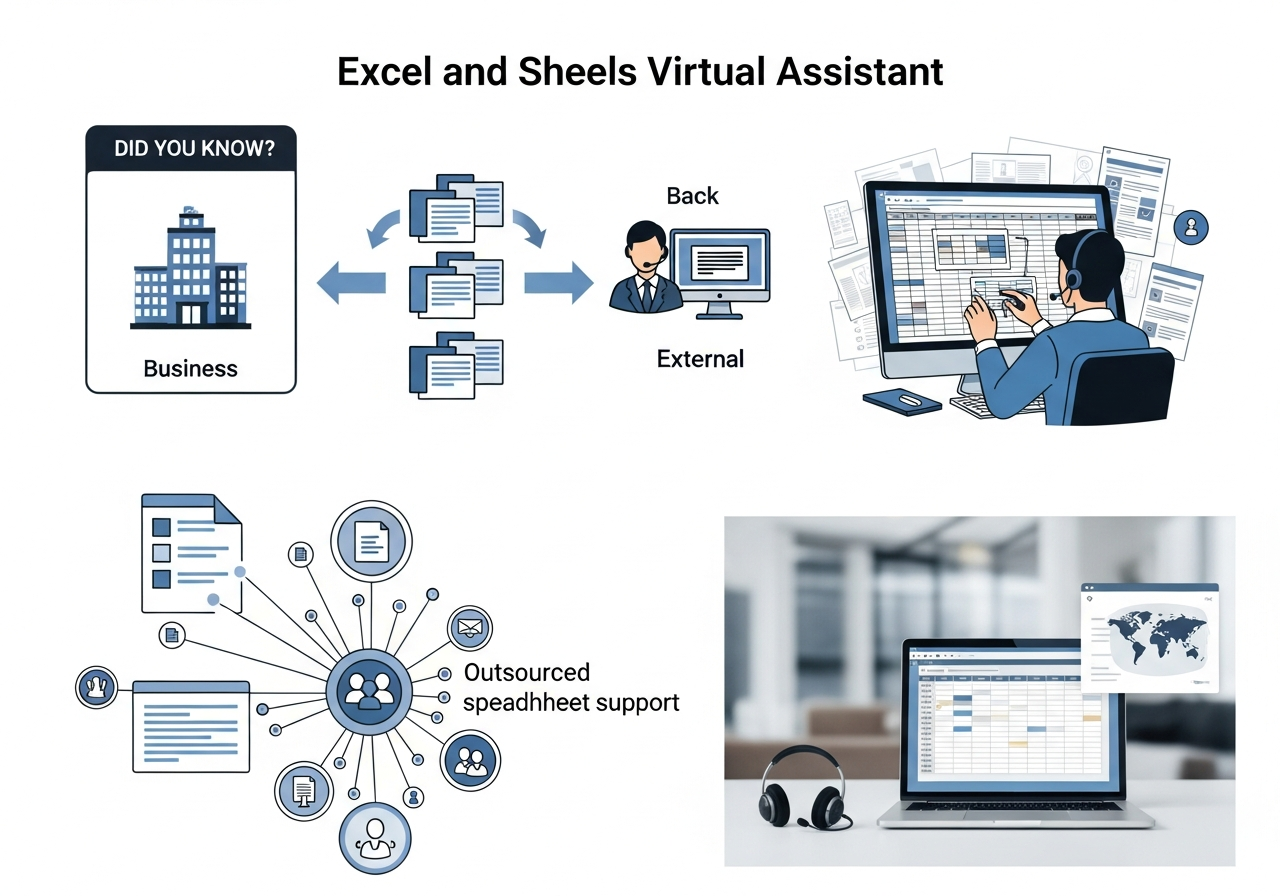
What Are Business Outsourcing Services and How Do They Benefit My Company?
Business outsourcing means hiring outside experts to handle certain tasks for you. Instead of doing everything yourself, like accounting, payroll, or IT, you can have professionals take care of it. This lets you focus on what's most important: growing your business.
Top Benefits of Business Outsourcing
-
Save MoneyHiring and training your own staff is expensive. Outsourcing lets you use experts without adding to your payroll costs.
-
Get Expert Help Right AwayNeed a skilled accountant or HR expert? Outsourcing gives you access to trained professionals who are ready to help immediately.
-
More FlexibilityYou can easily change the amount of help you need. If your business grows or slows down, you can adjust the services you use without changing your staff.
-
Follow Rules and Stay SafeRules and data laws can change. Experts can handle these tasks for you, which lowers your risk and helps you avoid legal problems.
-
Faster and Smoother WorkOutsourcing companies are very efficient. They use proven methods and tools to get work done quickly and prevent delays.
-
More Time for Important ThingsWhen you let others handle routine tasks, your team has more time. You can use this time to focus on sales, planning, and making better products.
How Outsourcing Fuels Your Growth Journey
Scaling your business doesn't have to be hard. Outsourcing is a smart move for growing companies. It's like adding skilled people to your team without the high costs of hiring them directly.
Here’s how a good outsourcing partner can help you succeed faster:
-
Get More Skills, Right Away: Access a group of skilled people, from assistants to finance experts, who are ready to help. This lets you grow your business without worry.
-
Make Work Easier: Top outsourcing firms use great tools and methods. This means your business can use the best systems from the start.
-
Save Money: Spend less on hiring, training, and other employee costs. You can use that money to grow the main parts of your business.
-
Focus on What’s Important: Let your own team work on the big goals. Your outsourced team can handle the other tasks.
-
Change as You Need: Easily add or reduce help. Outsourcing lets you quickly respond to more customer demand or enter new areas.
Why Do Businesses Switch Outsourcing Providers?
Ever wonder why companies switch to a new outsourcing partner? Here are some common reasons businesses look for better support or a more flexible team:
-
Fast Growth: As companies grow, their needs get more complex. Rapid expansion means they need a partner who can handle bigger challenges and offer scalable solutions. Big names like Salesforce and HubSpot grew by adapting and their support teams had to keep up.
-
**Poor Service:**If a current partner isn’t meeting expectations like missed deadlines, bad communication, or poor results a change becomes obvious.
-
Entering New Markets: Expanding to new regions (like the UK, Europe, or Southeast Asia) means dealing with new rules and cultures. A local expert can help businesses start smoothly and avoid costly mistakes.
-
Need for Expertise: Sometimes growth needs a partner with specific skills, such as industry expertise, tech knowledge, or compliance with rules like GDPR for data privacy.
-
Flexibility and Growth: As businesses grow, they need partners who can quickly adjust to changes growing or shrinking as needed without slowing things down.
Are you tired of spending too much time on spreadsheets? Our expert virtual assistants can save you time and reduce mistakes. Get started today and simplify your data work.
Frequently Asked Questions
How much does an Excel and Sheets virtual assistant cost per hour?
The cost depends on the assistant’s experience and the type of work you need. Basic tasks like data entry cost less, while advanced tasks like creating complex formulas or programming cost more. Stealth Agents offers clear pricing with no hidden fees.
What qualifications should I look for when hiring an Excel virtual assistant?
Look for assistants with certifications in Excel, knowledge of advanced formulas like VLOOKUP and pivot tables, and experience in your industry. Check their past projects to see if they’ve done similar work and ask about their skills with specific Excel functions.
Can Excel virtual assistants work with other software besides spreadsheets?
Yes, many Excel virtual assistants also know how to use tools like QuickBooks, Salesforce, Power BI, and database systems. They can connect Excel data with CRMs, accounting software, and project management tools to make your work easier.
What security measures protect my data when working with Excel virtual assistants?
Professional companies use secure file transfers, NDAs, and cloud platforms with encryption. Stealth Agents follows strict security rules, runs background checks, and uses tools to keep your data safe and private.
How long does it take to train an Excel virtual assistant for my business?
Training usually takes 2-7 days, depending on how complex your tasks are. If you have clear instructions or processes written down, it can be faster. Stealth Agents helps with training to make sure the assistant understands your needs before starting.
Which Excel functions are most valuable for business productivity?
Functions like VLOOKUP, pivot tables, and conditional formatting are great for organizing and analyzing data. Macros can save time by automating tasks. Other useful tools include INDEX/MATCH, data validation, and Power Query for advanced data management.
Can virtual assistants handle real-time Excel collaboration with my team?
Yes, they can work on shared files in Microsoft 365 or Google Workspace. They manage changes, track updates, and make sure everyone’s work stays organized. Stealth Agents’ assistants are trained to work with teams across time zones.
What's the difference between hiring freelance Excel help vs a virtual assistant company?
Freelancers work directly with you but may not always be available or reliable. Virtual assistant companies like Stealth Agents provide backup support, quality checks, and replacements if needed, ensuring consistent service and peace of mind.
Do Excel virtual assistants provide ongoing maintenance for spreadsheets?
Yes, they can update formulas, clean up data, and check for errors regularly. Stealth Agents offers ongoing support to keep your spreadsheets accurate and running smoothly. They can also fix problems and make improvements over time.
Can Excel virtual assistants integrate spreadsheets with business intelligence tools?
Yes, they can connect Excel to tools like Power BI, Tableau, or Google Analytics. They set up data feeds, create dashboards, and combine Excel data with other systems to help you see and understand your business data better.
Takeaways
Choosing to work with a dedicated virtual assistant for your spreadsheet needs is a smart move for any business owner looking to get their time back.
With an expert handling your data, you can finally step away from complex formulas and endless data entry, knowing that every detail is managed with precision and care.
This allows you to focus on the parts of your business that you truly enjoy, pushing your company forward while your administrative tasks are completed efficiently.
An Excel and Sheets Virtual Assistant does more than just organize your numbers; they give you the freedom to concentrate on growth, customer relationships, and your big-picture goals.
If you're ready to stop drowning in spreadsheets and start focusing on what truly matters, bringing an Excel and Sheets Virtual Assistant onto your team is the clear next step.