
Project management software is essential for small businesses to stay organized, meet deadlines, and scale operations efficiently. Stealth Agents helps you get the most out of these tools by providing skilled virtual assistants who streamline your workflows, manage projects, and free up your time to focus on growth.
Navigating the bustling world of small business can often feel like juggling many tasks simultaneously.
The best project management software for small businesses is a game-changer, offering a lifeline of organization and efficiency that transforms chaos into clarity.
For small business owners, finding the right tools can streamline operations and boost productivity, making every day feel a little less daunting.
But with the dizzying array of platforms available—each with its own unique strengths, specialized features, and quirks—the search for the “perfect fit” can feel overwhelming. The ideal choice often depends on your team size, the complexity of your projects, your specific industry needs, and even your personal work style.
In this article, we’re here to help you explore the best project management software tailored to your unique needs.
Whether you’re looking to manage tasks, collaborate with your team, or keep track of your work, this resource is designed to help you make informed decisions.
Our goal is to provide you with a comprehensive guide with insights and practical ideas.
Thanks to Stealth Agent’s dedicated research efforts, we’ve created a list highlighting the top contenders to ensure you have the best options.
Best Project Management Software for Small Businesses
Here are some of the top project management software options for small businesses, each offering unique features to help streamline your operations and enhance productivity:
1. monday.com
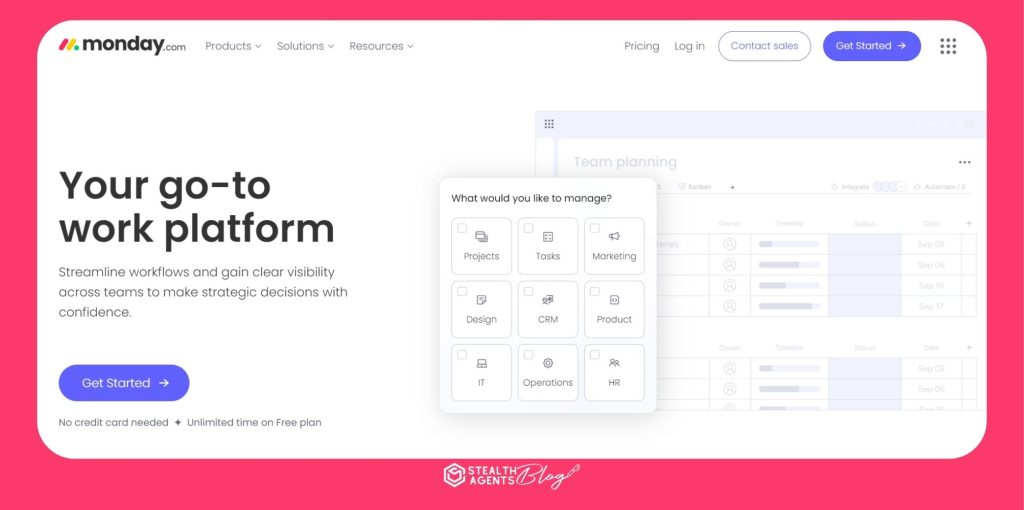
Monday.com is renowned for its flexibility and integrations, making it a top choice for small businesses that require adaptable project management solutions. This platform offers a user-friendly interface that simplifies the management of tasks across multiple projects. Its customizable dashboards and automation features allow teams to streamline workflows and enhance collaboration. With a wide array of templates for different business needs, monday.com saves time when preparing projects. The platform supports integrations with popular tools like Slack, Google Drive, and Trello, further enhancing its utility. As one of the best project management software for small businesses, it is particularly beneficial for teams looking to scale their operations efficiently.
- Google Rating: 4.7/5
- Pricing: From $8/user/month (billed annually)
- Web Address: monday.com
- Best For: Flexibility and integrations
- Standout Features: Customizable dashboards, automation, extensive template library
2. ClickUp
ClickUp offers premium features in its free version, making it an attractive option for small businesses on a budget. This software supports comprehensive task management, time tracking, and collaborative document editing, and it is commonly used by content writer virtual assistants. Its user-friendly design includes features like whiteboards, dashboards, and in-app communication tools like ClickUp’s utility, which ensures that teams can manage projects effectively, regardless of size or complexity. The platform integrates with numerous other tools, including Slack and Google Suite, enhancing its functionality. It is considered one of the best project management software for small businesses due to its robust feature set and cost-effectiveness.
- Google Rating: 4.7/5
- Pricing: From $7/user/month
- Web Address: ClickUp
- Best For: Premium features in the free version
- Standout Features: Task management, time tracking, collaborative documents
3. Quickbase
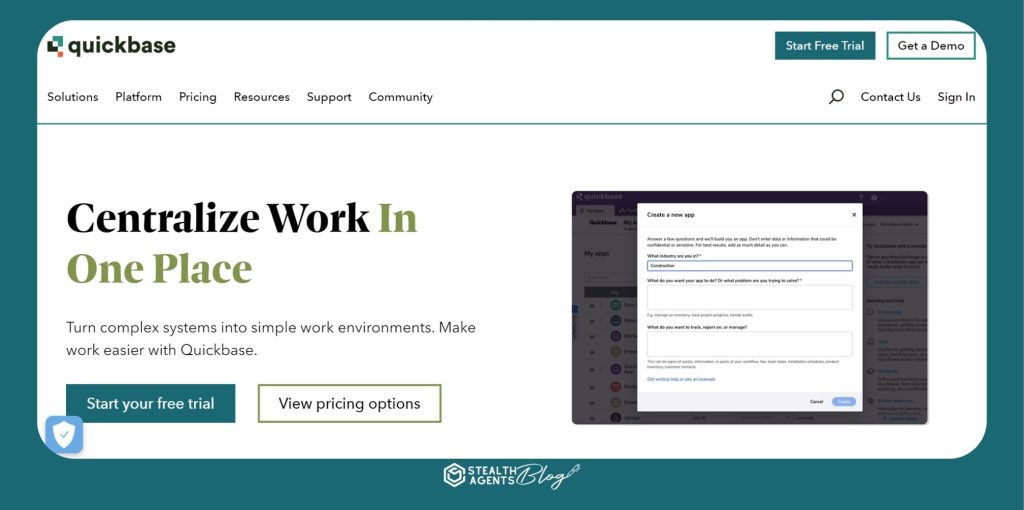
Quickbase offers a no-code dynamic work management platform, ideal for small businesses that need custom applications without programming expertise. It centralizes project information, giving team members real-time access and updates. Quickbase’s features include customizable dashboards, automated workflows, and real-time reporting to enhance project tracking and decision-making. The platform is particularly beneficial for businesses requiring tailored project management solutions. QuickBase accommodates diverse business needs with integrations with tools like Pomodoro Timer Apps, Salesforce, and Slack. It is one of the best project management software for small businesses due to its flexibility and customization.
- Google Rating: 4.4/5
- Pricing: From $35/user/month (min of 20 users)
- Web Address: Quickbase
- Best For: No-code dynamic work management
- Standout Features: Customizable dashboards, automated workflows, real-time rep rating
4. Bonsai Agency Software
Bonsai excels in integrating project, client, and financial management, making it a comprehensive tool for small business administration. It offers time tracking, invoicing, and client management features, all within an easy-to-use platform. Bonsai’s customizable templates and automated workflows streamline administrative tasks, enhancing team organization and project focus. The software supports integrations with popular business tools, further extending its capabilities. Its all-in-one approach saves small businesses time and resources. As one of the best project management software for small businesses, Bonsai combines essential management features in a single platform.
- Google Rating: Not specified
- Pricing: From $10/user/month
- Web Address: Bonsai
- Best For: Integrated project, client, and financial management
- Standout Features: Time tracking, invoicing, client management
5. Manager
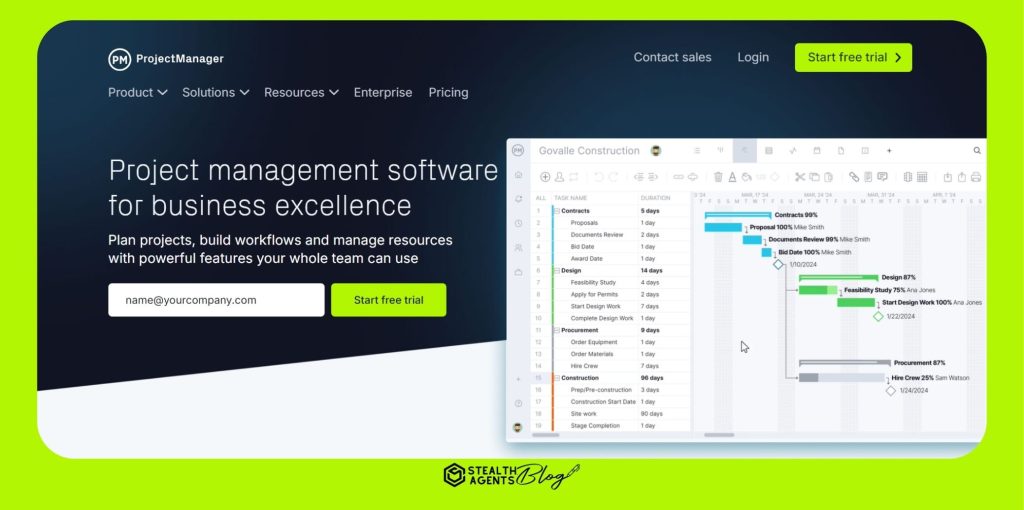
ProjectManager is designed for real-time project tracking and insights, offering a comprehensive suite of tools tailored for small businesses. Its features include Gantt charts, task lists, and real-time dashboards, making it easy to monitor project progress. The platform’s intuitive design ensures quick adoption by team members, minimizing training time.ProjectManager’s real-time dashboards provide immediate visibility into project status, aiding quick decision-making. Integrations like Microsoft Office and Google Drive facilitate a seamless workflow. It is among the best project management software for small businesses, especially for those needing immediate project insights, such as project manager virtual assistants.
- Google Rating: Not specified
- Pricing: From $13/user/month (billed annually)
- Web Address: ProjectManager
- Best For: Real-time project tracking and insights
- Standout Features: Gantt charts, real-time dashboards, seamless integrations
6. Zoho Projects
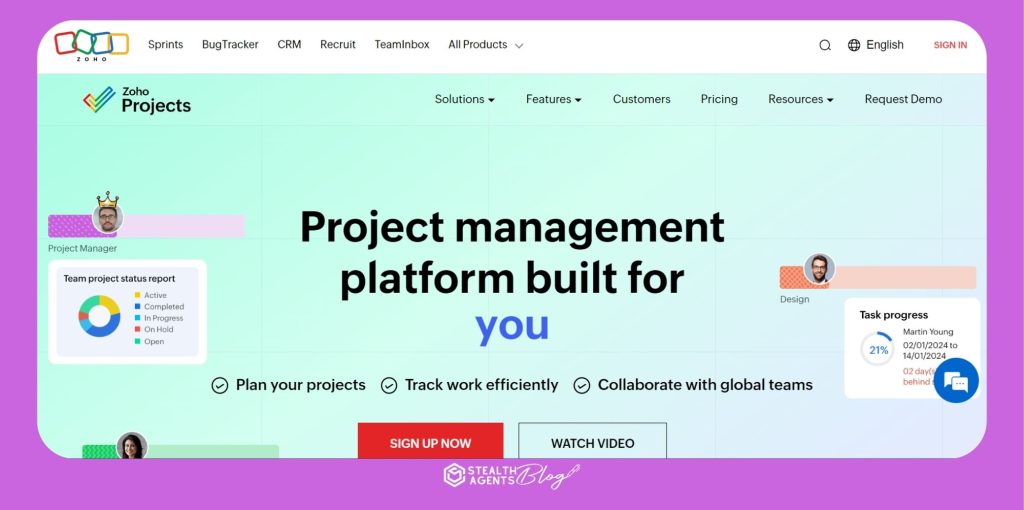
Zoho Projects offers flexible work allocation tools, making it a versatile choice for small businesses. The software includes features like project planning, task management, and resource location. Zoho Projects supports time tracking and collaboration, ensuring teams manage workflows effectively. Its mobile applications enable access to project information on the go. Integrations with other Zoho products and third-party applications further enhance its functionality. As one of the best project management software for small businesses, Zoho Projects adapts to various business needs and scales with growth.
- Google Rating: 4.2/5
- Pricing: From $4/user/month (billed annually) + free plan available
- Web Address: Zoho Projects
- Best For: Flexible work allocation tools
- Standout Features: Project planning, task management, mobile access
7. Hub Planner
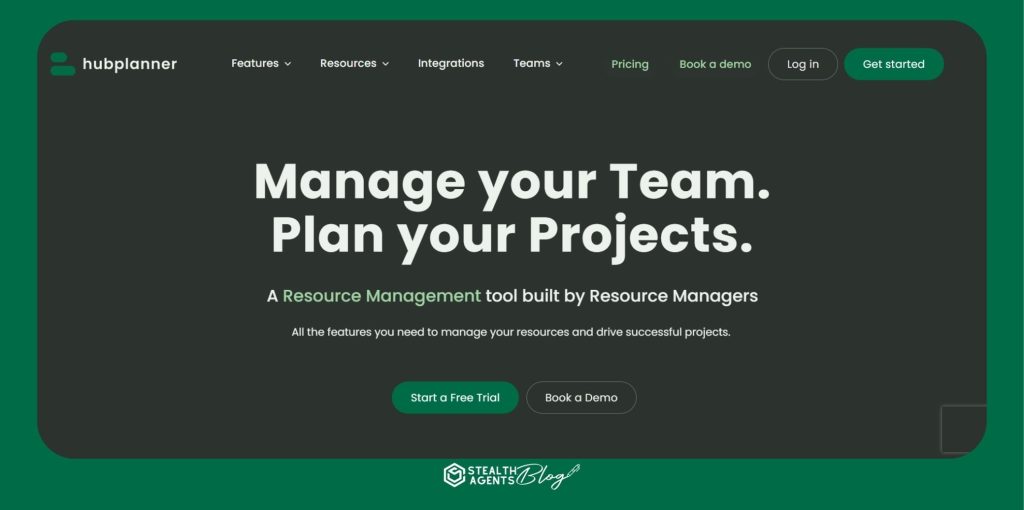
Hub Planner is ideal for small businesses seeking simple collaboration support with robust project management capabilities. Its features include resource management, scheduling, and time tracking, all accessible through a user-friendly interface. HHPlanner’s Gantt chart feature helps visualize project progress, aiding effective team collaboration like a digital content manager. TTTplatform’s flexibility, customizability, and excellent customer support make it popular. It integrates with other software tools, enhancing its project management capabilities. As one of the best project management software for small businesses, Hub Planner excels in resource allocation and collaboration.
- Google Rating: Not specified
- Pricing: From $7/user/month (billed annually)
- Web Address: Hub Planner
- Best For: Simple collaboration support
- Standout Features: Resource management, scheduling, Gantt charts
8. Pneumatic Workflow
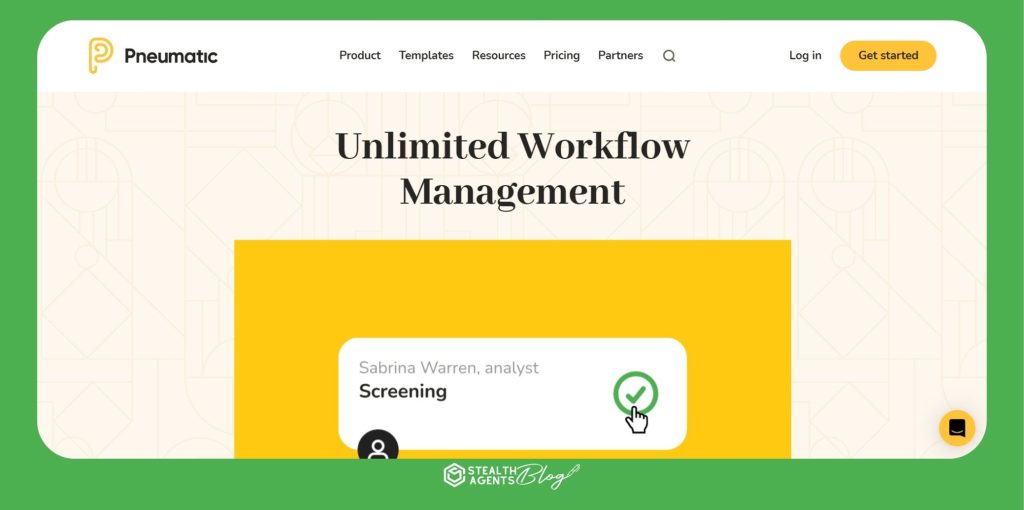
PWorkflow offers unlimited workflow creation, making it an excellent workflow for growing small businesses. The platform allows users to create visual workflows, assign tasks, and track real-time progress. PPPneumatic’s customizable templates save time when setting up a project, while its scalability accommodates increased workloads. TTsoftware’s integration with tools like Gmail and Slack enhances its utility in diverse environments, making it one of the best project management software for small businesses. It supports unlimited users, ensuring collaboration across teams without additional costs.
- Google Rating: 4.6/5
- Pricing: From $99/month (unlimited users)
- Web Address: Pneumatic
- Best For: Unlimited workflow creation
- Standout Features: Visual workflows, real-time tracking, customizability of the plates
9. Miro
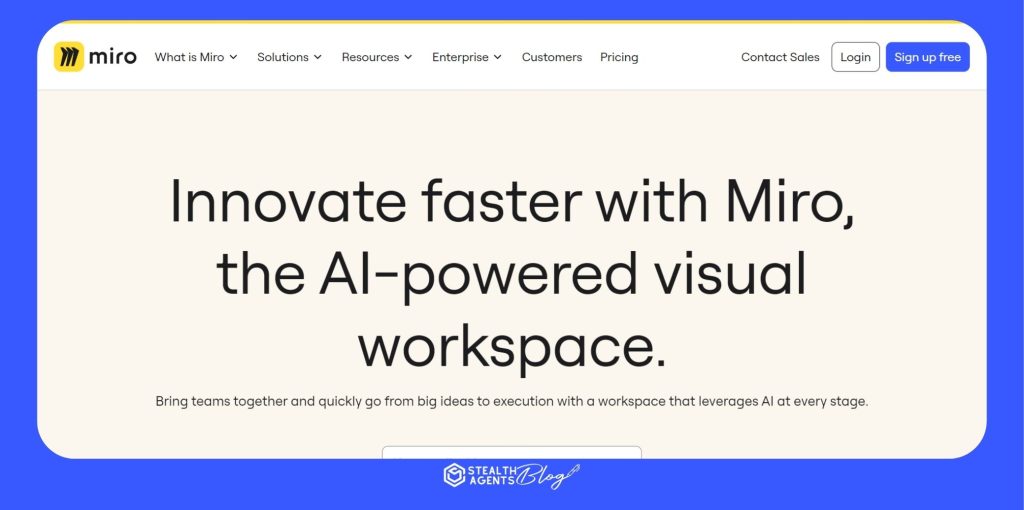
Miro is known for its collaborative whiteboards and visualizations, making it ideal for small businesses focusing on interactive project management. The platform offers templates like mind maps and Kanban boards, enhancing collaboration. Miro’s integration with tools like Jira and Asana ensures that all team members stay updated. Visual tracking of project milestones aids effective communication and management. Its emphasis on interactive, visual workboards makes it one of the best small business project management software. It benefits teams needing to articulate ideas and track project dependencies visually.
- Google Rating: 4.8/5
- Pricing: From $8/user/month (billed annually)
- Web Address: Miro
- Best For: Collaborative whiteboards and visualizations
- Standout Features: Mind maps, Kanban boards, integration with project management tools
10. FigJam
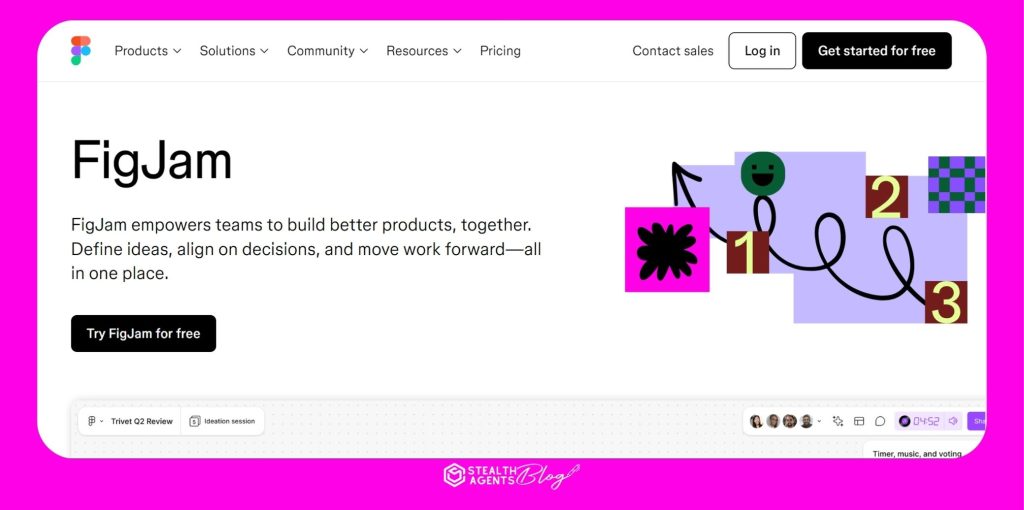
FigJam offers a highly versatile and collaborative platform to facilitate small business teamwork. It is connected with design tools, FigJam support, RTS brainstorming, workflow design, and strategic planning. TTplatform’s flexibility makes it ideal as a digital tool for startups and small teams that plan and execute projects quickly for brainstorming frameworks, time, or timeliness productivity. Integrations with popular tools like Asana and Microsoft Teams extend its collaborative capabilities. It ranks among small businesses’ best project management software due to its adaptability and comprehensive collaboration features.
- Google Rating: Not specified
- Pricing: From $15/whole seat/month (billed annually)
- Web Address: FigJam
- Best For: Versatile collaboration and project planning
- Standout Features: Brainstorm frameworks, integration with Figma, automation features
How can the best Project Management Software for Small Businesses help businesses?
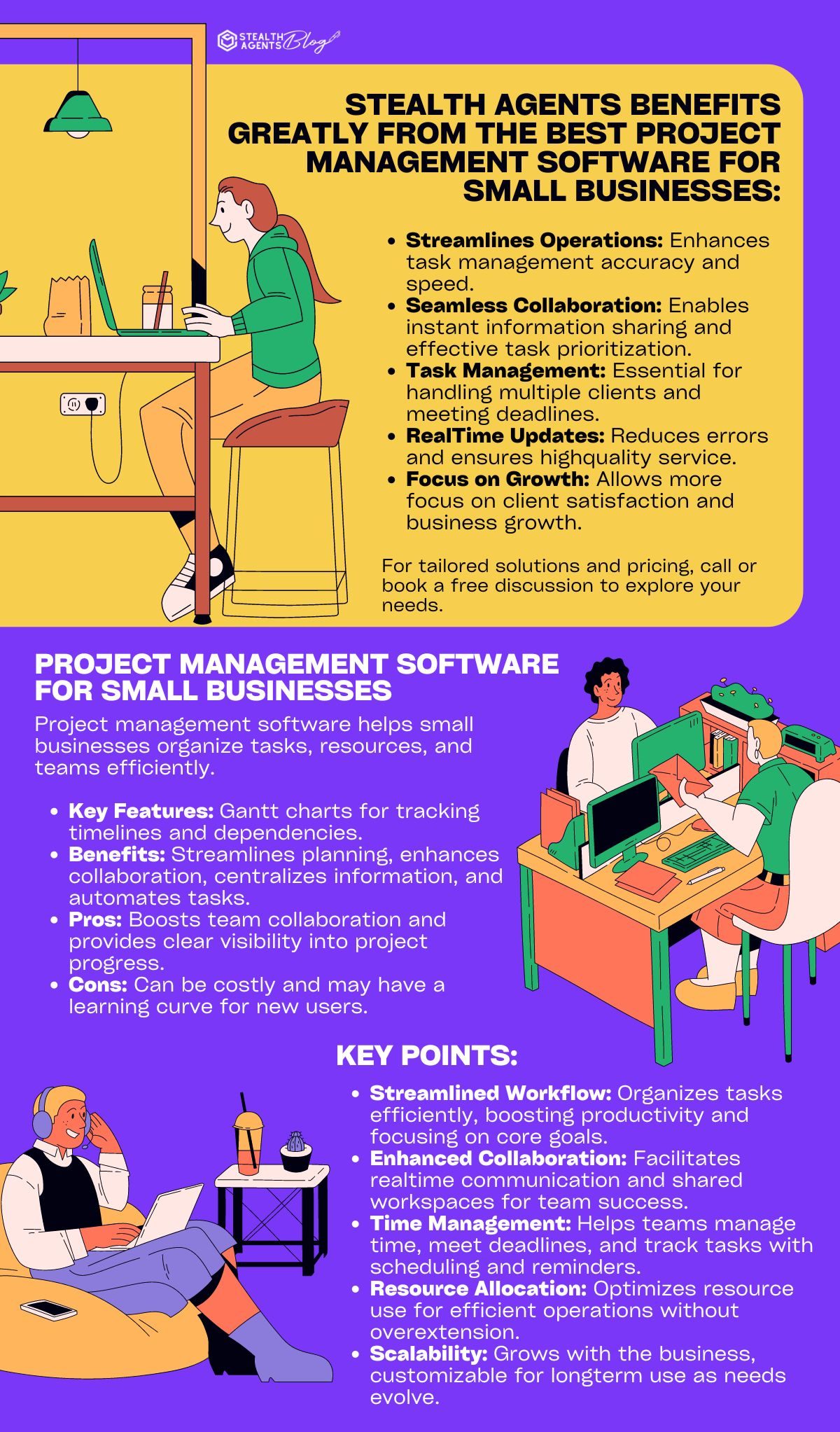
The best project management software for small businesses can significantly enhance operational efficiency by streamlining task management and improving team collaboration.
These tools offer centralized platforms where all project-related activities, data, and communications are stored, ensuring everyone is aligned and informed.
By automating routine processes such as task assignments and deadline tracking, businesses can reduce manual workloads and focus more on strategic initiatives.
Moreover, small businesses’ best project management software often includes real-time progress tracking and resource allocation, allowing managers to make informed decisions quickly.
This results in better project execution and increased productivity, ultimately helping small businesses achieve their goals more effectively.
What Features Should Small Businesses Look for in Project Management Software?
While the benefits are clear, the real magic lies in the features these tools provide for small business teams. Here’s what to look for:
Task Management:
Visual tools like Kanban boards and Gantt charts make it easy to create, update, and manage tasks along a project timeline. Look for features that allow you to set dependencies, manage subtasks, assign multiple team members, and import tasks from external files.
Scheduling:
The ability to set due dates, create dependencies, and track milestones keeps teams organized—essential for managing multiple projects or remote teams.
Team Collaboration:
Seamless communication is vital. The best platforms offer in-app messaging, comment threads, file attachments, and notations, so all team communication and assets are centralized and accessible.
Document Management:
A robust document management system allows you to store, organize, and share important files. Advanced options include version control, permission settings, and integrations with third-party storage solutions
like Dropbox or Google Drive.
Email and Chat Integrations:
Integrated communication tools send notifications, reminders, and updates about project status or approaching deadlines, keeping everyone in the loop without leaving the platform.
Reporting:
Comprehensive reporting features track progress, resource allocation, unfinished tasks, and delivery estimates. Exporting data or integrating with business intelligence tools can further enhance your reporting capabilities.
Time Tracking:
Built-in time tracking helps teams manage their hours, set time goals, and even integrate with payroll or timesheet apps—especially useful for long-term projects or teams with contractors.
Project Portfolio Management:
If you’re juggling multiple projects, portfolio management features let you track several initiatives at once, spot bottlenecks, and manage resources across projects.
Mobile Access:
Native mobile apps or mobile-optimized interfaces allow team members to stay connected and productive on the go—a must-have for today’s distributed teams.
Third-Party Integrations:
The right software should connect seamlessly with your other business tools, from Google Workspace and Microsoft 365 to Salesforce and beyond, ensuring your workflows stay unified.
Customization and Branding:
For businesses working with external clients or with unique workflows, customizable settings, white labeling, and branding options help tailor the platform to your needs.
Support and Documentation:
Comprehensive support—whether through help articles, videos, webinars, or live chat—ensures your team can get up to speed quickly and troubleshoot issues as they arise.
By focusing on these key features, small businesses can choose a project management solution that not only matches their current needs but also scales as they grow, ensuring smooth project execution and team collaboration every step of the way.

Frequently Asked Questions
How do I choose the right project management software for my small business?
To choose the right project management software, think about your business needs, team size, and how complex your projects are. Look for software that is easy to use, fits your budget, and works well with other tools you use. Try free trials to test features like task tracking, team collaboration, and reports before deciding.
What are the benefits of cloud-based project management software for small businesses?
Cloud-based software lets your team work together from anywhere, as long as they have internet access. It’s flexible, easy to use, and doesn’t require expensive IT equipment. This is especially helpful for small businesses with remote or spread-out teams.
Why is customization important in project management software for small businesses?
Customization lets you adjust the software to match how your business works. This makes it easier to manage tasks and track projects because the software fits your specific needs.
How can project management software improve communication in small businesses?
Project management software helps teams communicate better by offering tools like messaging, file sharing, and real-time updates. It keeps all communication in one place, so everyone has the same information, reducing confusion and improving teamwork.
What role does automation play in project management software for small businesses?
Automation helps by handling repetitive tasks like sending reminders, updating statuses, or creating reports. This saves time, reduces mistakes, and lets your team focus on more important work.
How do small businesses measure the ROI of project management software?
Small businesses can measure ROI by looking at how much faster projects are finished, how much more productive the team is, and how much money is saved. Signs of success include fewer delays, better task management, and smarter use of resources.
What security features should small businesses look for in project management software?
Look for features like data encryption, secure logins, and controls over who can access what. These protect your business’s information and keep client data safe.
How can project management software facilitate remote work for small businesses?
Project management software helps remote teams by offering tools for tracking tasks, sharing updates, and communicating. Features like video calls, shared files, and real-time updates keep everyone connected and working together.
How does project management software integrate with other tools used by small businesses?
Many project management tools can connect with other software like email, customer management, or accounting tools. This makes it easier to share data between programs and keeps everything running smoothly.
What are the cost considerations when investing in project management software for small businesses?
Costs include subscription fees, training, and any extra setup you might need. Compare the upfront costs with the time and money you’ll save by using the software. Make sure it fits your budget and provides good value for your business.