

Updated Sep 18, 2026
Outsourcing UX and UI design can make sense when the work is real but the need is not steady enough for another permanent hire. It also helps when an internal product team needs a specialist for research, accessibility, a design system, or a short release cycle.
The contract matters as much as the portfolio. Agree on the problem, users, deliverables, file ownership, review cadence, and acceptance criteria before the first screen is drawn.
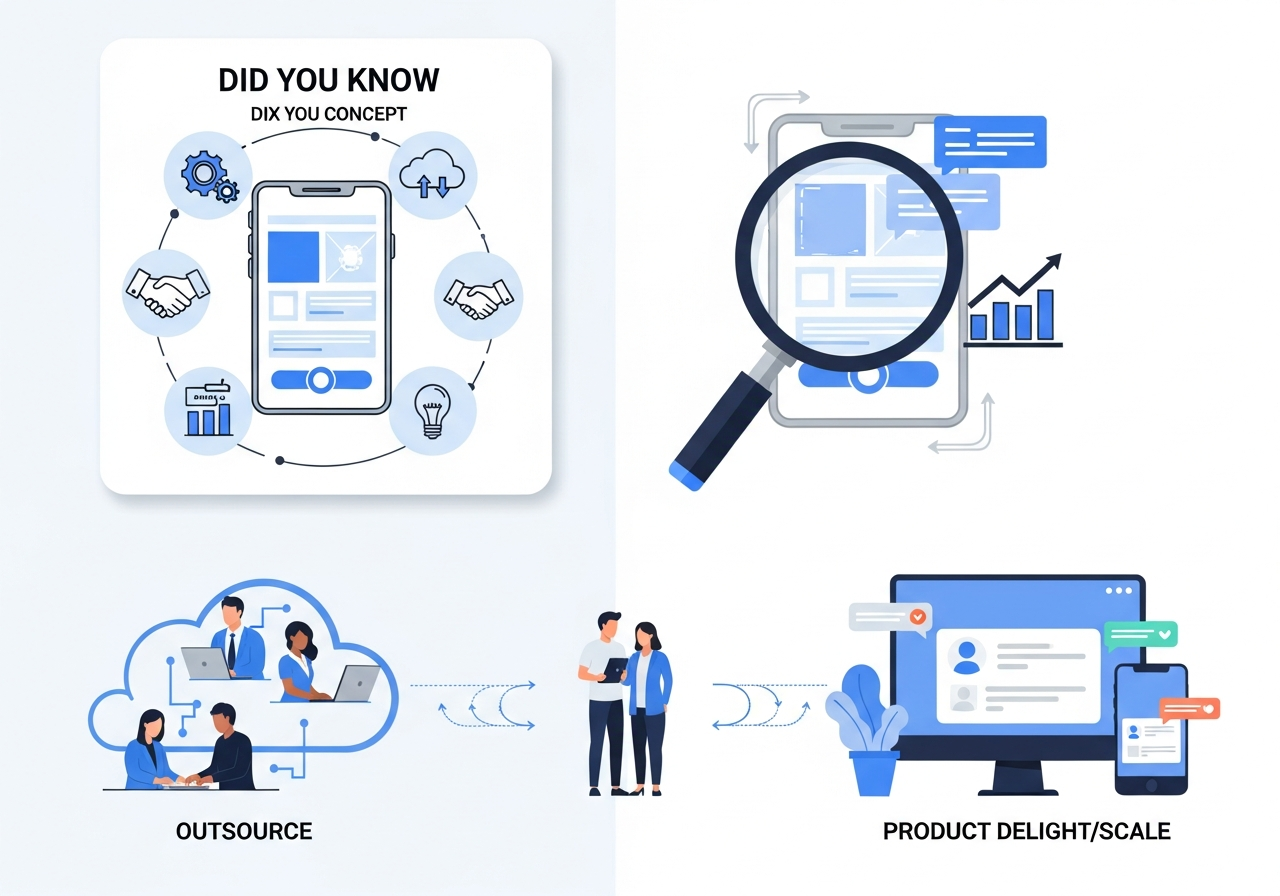
UX, UI, and graphic design are different jobs
UX design is about how a person completes a task. It covers research, information architecture, user flows, interaction choices, prototypes, and usability testing.
UI design is about the interface a person sees and uses. It covers layout, typography, color, controls, responsive behavior, states, and visual consistency.
Graphic design supports brand and communication assets such as campaign images, presentations, and social graphics. An expert graphic designer may be the right choice for those assets, but that does not automatically include product research or interaction design.
Ask which discipline the provider is staffing. A polished portfolio does not prove that the designer can interview users, map a complex workflow, specify error states, or prepare a usable developer handoff.
What outsourced UX and UI design can include
| Work area | Typical deliverables |
|---|---|
| Discovery | Stakeholder interviews, problem statement, assumptions, constraints |
| User research | Interview plan, notes, findings, usability tests |
| Information architecture | Sitemap, navigation model, content hierarchy |
| Interaction design | Task flows, wireframes, prototypes, edge states |
| UI design | Responsive screens, components, tokens, visual states |
| Design system | Component library, usage rules, accessibility notes |
| Handoff | Source files, annotations, assets, tickets, review support |
A product designer virtual assistant can support a product lead or developer across this work. The internal team should still own product priorities and approve tradeoffs that affect customers, risk, or engineering scope.
What matters in 2026
Accessibility is an acceptance criterion
WebAIM's 2026 Million report{target="_blank" rel="nofollow"} tested the home pages of one million popular websites. It detected an average of 56.1 accessibility errors per page, up 10.1% from the 2025 analysis. It found detectable WCAG failures on 95.9% of the pages.
The test found 56,114,377 distinct errors in the rendered pages. WebAIM also warns that automated tools cannot detect every conformance failure. A clean automated scan does not prove that a design is accessible, so the contract should include manual keyboard, focus, content, and assistive-technology checks.
Six categories accounted for 96% of the errors: low-contrast text, missing image alternatives, missing form labels, empty links, empty buttons, and missing document language. These are not obscure edge cases. They belong in ordinary design review.
For public-sector work in the United States, the timeline also changed in 2026. The Department of Justice's current Title II compliance guide{target="_blank" rel="nofollow"} says covered state and local government web content and mobile apps generally must meet WCAG 2.1 Level AA. An April 2026 interim rule extended compliance dates to April 26, 2027 for entities serving 50,000 or more people and April 26, 2028 for smaller entities and special districts. The guide also says vendor-provided content remains the public entity's responsibility.
This article is not legal advice. It is a design procurement point: if accessibility matters to the buyer, put the required standard, test method, evidence, and remediation process in the contract.
AI speeds up drafts, not accountability
Designers now use AI to summarize interviews, explore layouts, rewrite interface text, create placeholder assets, and check files. Those uses can save time, but they can also hide weak research or introduce copied patterns, inaccessible choices, and inconsistent states.
Ask the provider to disclose where AI is used. Do not allow confidential customer material in an unapproved tool. Require a person to review generated work and make sure the final source files, assets, and licenses can legally transfer to you.
The market still values experienced design work
The U.S. Bureau of Labor Statistics reports a May 2024 median annual wage of $98,090{target="_blank" rel="nofollow"} for web and digital interface designers. Its current outlook projects 7% employment growth from 2024 to 2034.
That wage is a useful benchmark, not a promise of savings. A full-time employee and an outsourced designer may cover different responsibilities, hours, benefits, and management needs.
Cost comparison
Stealth Agents lists dedicated virtual assistant support from $1,600 per month, or $19,200 over 12 months. The direct difference from the BLS median wage is $78,890 before benefits, software, recruitment, equipment, or management. That calculation does not prove that one outsourced seat can replace every duty of an experienced employee.
Compare providers on total scope:
- Research hours and participant recruiting
- Number of flows, screens, breakpoints, and states
- Prototype depth and usability testing
- Source files and design-system work
- Revision rounds and change-request pricing
- Meetings, project management, and timezone overlap
- Developer handoff and post-handoff fixes
- Software, stock assets, fonts, and user-testing tools
Fixed-price projects work best when the deliverables and acceptance criteria are stable. A monthly model is often easier when priorities change and the designer needs to work alongside product and engineering.
Write a better design brief
A useful brief gives the designer enough context to make decisions without pretending the solution is already known.
Include:
- The user and the task they are trying to complete.
- The business outcome and how it will be measured.
- Evidence from analytics, support, sales, or prior research.
- Existing brand, product, technical, and accessibility constraints.
- Required screens, flows, platforms, and breakpoints.
- The people who approve scope and final work.
- Source-file, asset, confidentiality, and data-handling terms.
- A target date with the decisions that can move it.
Do not ask only for a modern or clean interface. Give examples, but explain what works about them. A designer needs the reason, not just a folder of screenshots.
A practical workflow
1. Discovery
The designer reviews the problem, existing product, analytics, constraints, and open questions. The output should include a clear problem statement and a list of assumptions that need evidence.
2. Research
The team gathers enough evidence to make the next decision. That might mean customer interviews, support-ticket review, a competitive task analysis, or usability testing on the current flow.
3. Structure and flows
The designer maps the content and steps before investing in visual polish. Review permissions, empty states, validation, errors, cancellations, and recovery paths here.
4. Interface and prototype
Approved flows become responsive screens and interactive prototypes. Use real or representative content where possible. Placeholder text can hide layout and comprehension problems.
5. Accessibility review
Check color contrast, focus order, keyboard behavior, labels, instructions, error messages, target size, alternative text needs, zoom, and screen-reader semantics. Automated tests help, but they cannot prove full conformance or usability.
6. Developer handoff
The handoff should include component states, tokens, responsive rules, assets, behavior notes, content, and unresolved questions. Designers should remain available while engineers implement the flow.
7. Release review
Compare the built product with the agreed design and acceptance criteria. Fix issues by customer impact, not pixel distance alone. After release, check task completion, errors, abandonment, support contacts, and qualitative feedback.
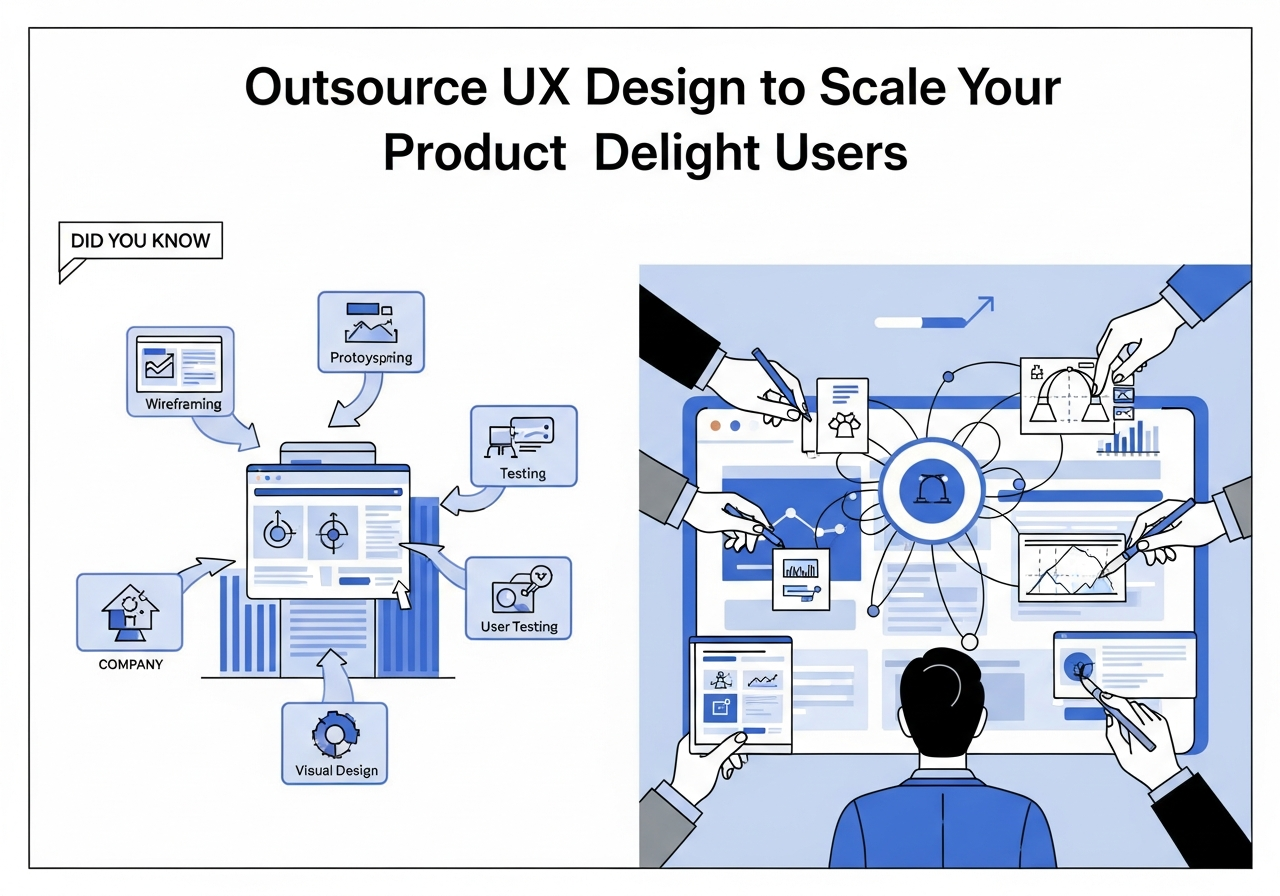
How to evaluate a design provider
Review one or two relevant case studies in detail. Ask what the starting problem was, what the designer personally did, which evidence changed the design, what engineering changed, and what happened after release.
Then test the working relationship:
- Can the designer explain tradeoffs without hiding behind trends?
- Do files include responsive and interactive states, not just ideal desktop screens?
- Are components named and organized well enough for another designer to continue?
- Does the provider know how to test with disabled users or qualified accessibility specialists when needed?
- Can it work with your engineers during implementation?
- Does the contract transfer the correct source files and usage rights?
Portfolio images are useful, but the file structure, decisions, and handoff often reveal more about day-to-day quality.
When outsourcing is a good fit
Outsourcing can work well for a bounded redesign, an accessibility remediation program, a research sprint, design-system cleanup, overflow production, or ongoing support under a strong internal product owner.
Consider an employee when the role needs constant access to company strategy, leads several product areas, manages other designers, carries institutional knowledge, or has a full and durable workload.
A hybrid model is common. An internal lead owns product direction while an outsourced specialist handles research, interaction design, UI production, or design-system work.
Common questions
How long does outsourced UX or UI design take?
It depends on scope and review speed. A single well-defined flow can move faster than a product redesign with research, multiple roles, and engineering constraints. Ask for a milestone plan and name the decisions your team must make on time.
How many revisions should a contract include?
The contract should distinguish corrections from scope changes. A designer should fix work that misses agreed requirements. New screens, new audiences, and changed product rules need a change process, not an unlimited-revision slogan.
Which files should we receive?
Request editable source files, components, variables or tokens, prototypes, exported assets, research outputs, content, and any license information. Confirm that the files remain usable after the engagement ends.
Can an outsourced designer work in our timezone?
Often, yes. Decide how much overlap the work needs. Daily collaboration with engineers may need a fixed window, while independent research synthesis or production work can run asynchronously.
Hire for the work you actually need
Start with the customer problem and the decisions the designer must make. Then compare evidence, process, access, deliverables, and total cost. The lowest quote is expensive if the work cannot be implemented or used.
Hire a virtual assistant when you need dedicated design support within a managed remote team. Use a small paid pilot to test communication, file quality, accessibility awareness, and developer handoff before expanding the scope.