
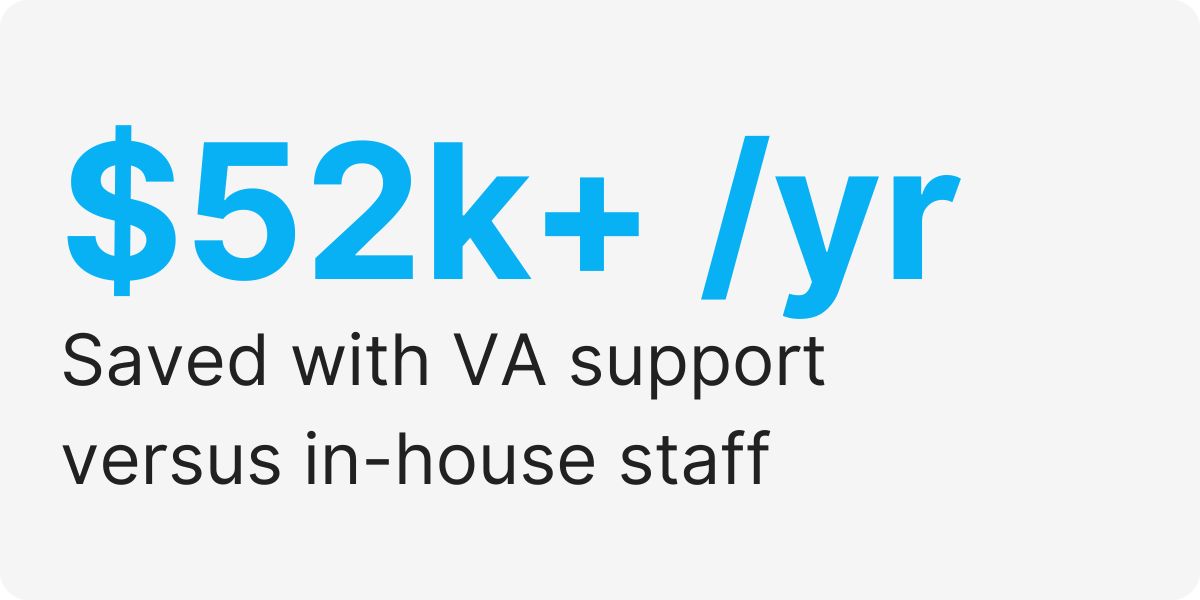
Business owners save $52,000+ per year compared to hiring someone in-house to do the same work.
This guide breaks down everything you need to know about getting started.
Quick Overview: Virtual Assistant Software
| Factor | Details |
|---|---|
| Monthly Investment | $1,600/month (full-time, dedicated) |
| In-House Equivalent Cost | Admin Assistant salary + benefits = $54,600/year |
| Your Annual Savings | $35,400 back in your business |
| Time Saved Daily | 3-4 hours of admin work |
| Setup Time | Ready to work in 5-7 days |
| Training Required | Minimal – they know the tools |
| Backup Coverage | Included at no extra cost |
Smart business owners use virtual assistant software to handle tasks that eat up their time.
The Hidden Cost Of DIY Admin Tasks
Most business owners spend 16 hours per week doing admin work instead of growing their company.
That time costs you real money when you could be making sales or serving customers.
Only 28% of a business owner’s day gets spent on money-making activities.
The rest goes to emails, scheduling, data entry, and other tasks that do not grow your business.
Tasks Your VA Software Can Handle
| Category | Specific Tasks | Time Saved Per Week |
|---|---|---|
| Email Management | Sorting, responding, organizing inbox | 8-10 hours |
| Calendar & Scheduling | Booking meetings, managing appointments | 3-5 hours |
| Data Entry | CRM updates, spreadsheets, database work | 4-6 hours |
| Customer Service | Chat support, phone calls, follow-ups | 6-8 hours |
| Research Tasks | Lead generation, market research, competitor analysis | 4-6 hours |
| Social Media | Posting, responding to comments, content creation | 3-5 hours |
| Bookkeeping | Invoice processing, expense tracking, reports | 2-4 hours |
Your virtual assistant can handle all these tasks while you focus on what matters most.
They work during your business hours and know the software you already use.
No training period means they start helping from day one.
💡
Did You Know?
Companies with virtual assistant support grow 2x faster than those trying to do everything alone.
The True Cost Comparison
| Expense Category | In-House Admin | Virtual Assistant Software |
|---|---|---|
| Base Salary (Annual) | $42,000 | $19,200 |
| Benefits & Taxes (30%) | $12,600 | $0 |
| Office Space & Equipment | $4,000 | $0 |
| Training & Onboarding | $2,500 | $0 |
| Total Annual Cost | $61,100 | $19,200 |
| Annual Savings with VA | – | $41,900 |
| Backup Coverage | None | Included |
| Management Support | You handle alone | Campaign Manager helps |
You save over $40,000 every year by choosing virtual assistant software instead of hiring in-house.
That money stays in your business to help you grow faster.
Plus you get backup coverage and management support at no extra cost.
How A Remote Assistant Transforms Your Daily Work
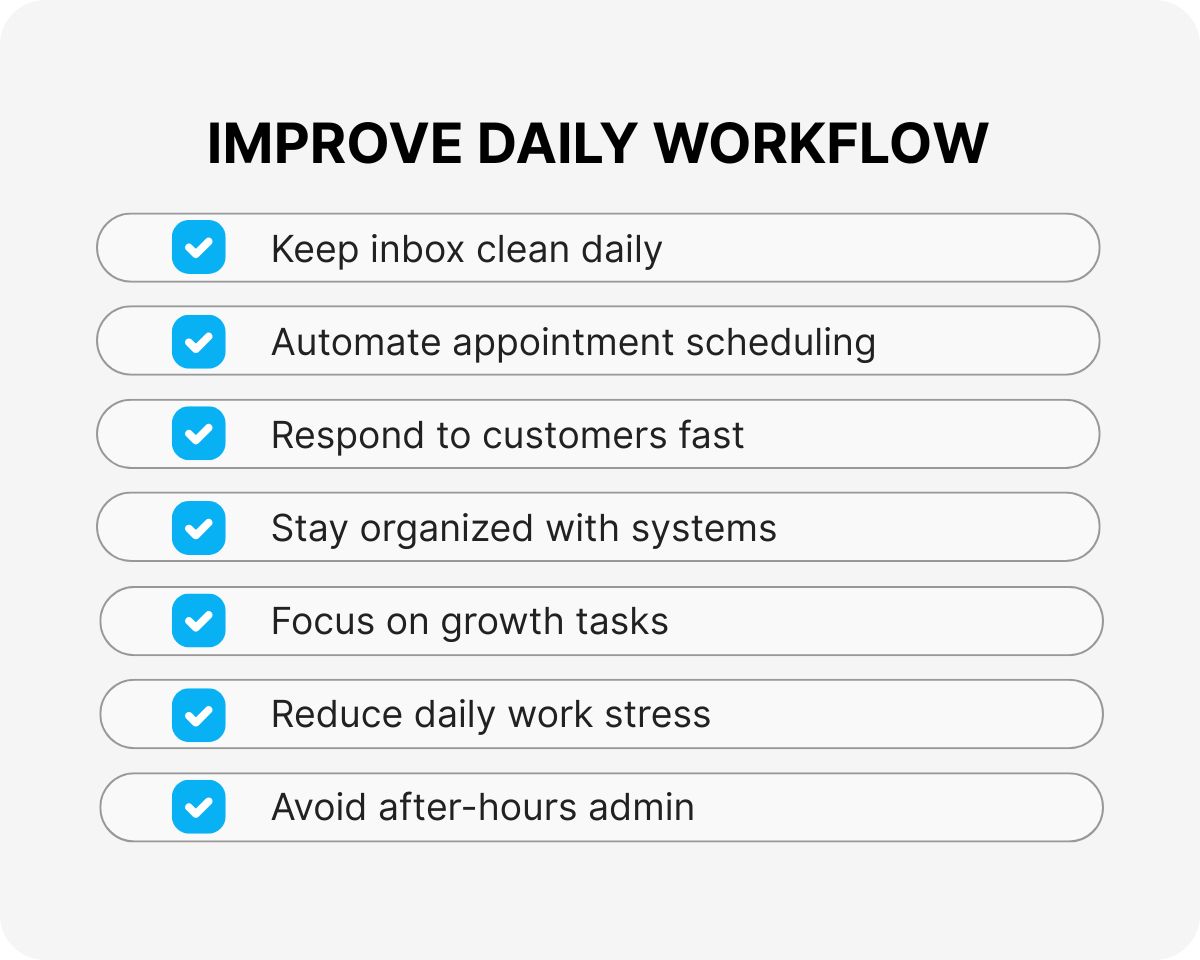
Your mornings start with a clean inbox because your assistant sorted everything overnight.
Appointments get scheduled without you lifting a finger or playing phone tag.
Customer questions get answered fast so people stay happy with your service.
You finally have time to focus on the big picture stuff that grows your company.
- No more staying late to catch up on admin work
- Faster response times make customers happier
- Better organization means nothing falls through cracks
- More time for sales calls and business development
- Less stress about daily tasks piling up
- Professional support without office space costs
A software development virtual assistant improves team communication and workflow efficiency to speed up releases – saving you time and energy.
A Day In The Life Of Your Software Assistant
Your assistant starts each day by checking your calendar and preparing for meetings.
They handle emails, update your CRM, and follow up with leads while you focus on important calls.
Afternoon tasks include research, data entry, and customer service so nothing gets delayed.
End of day reports keep you updated without you having to ask for status updates.
A virtual assistant tools and software helps track tasks and deadlines – so you can focus on growing you business.
💡
Virtual Assistant Software Pro Tip
Set up daily check-ins for the first two weeks to build trust and clear communication habits.
What Makes A Great VA Software Solution
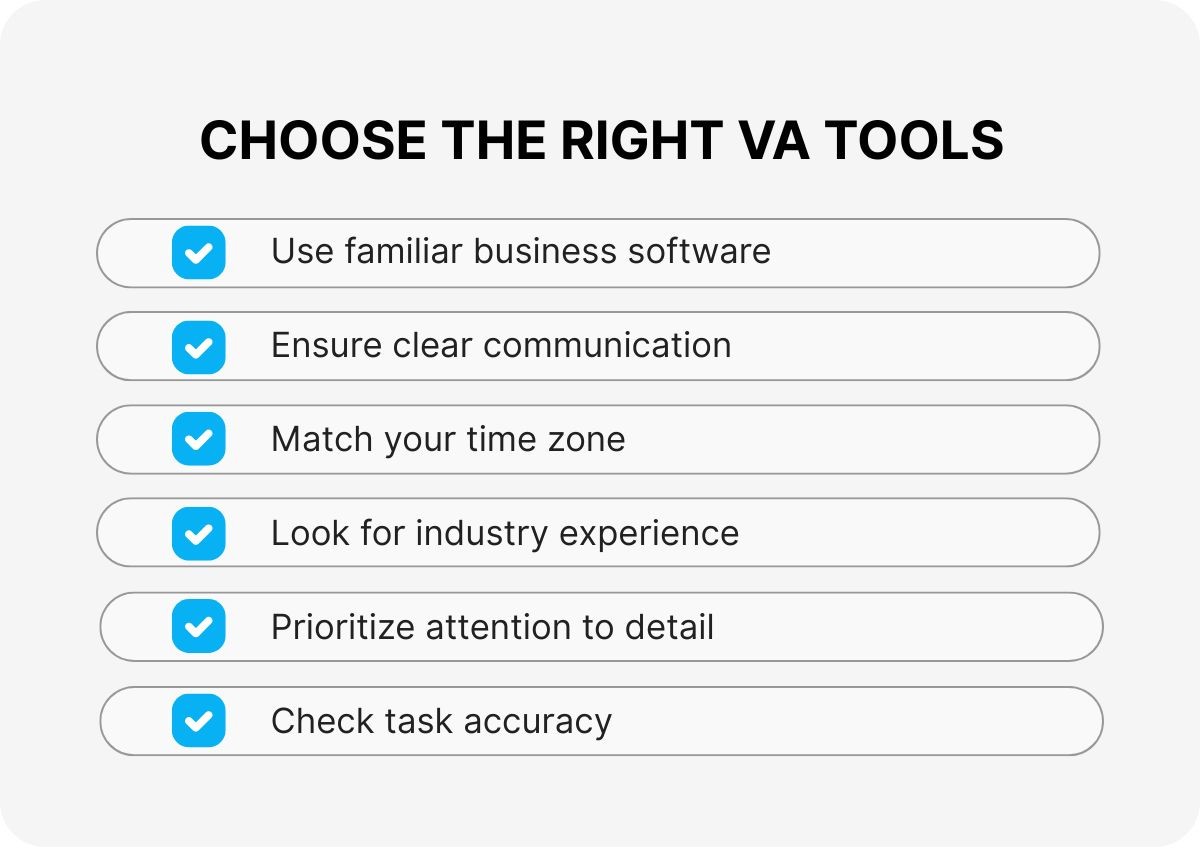
The best virtual assistants know popular business software like you do.
They communicate clearly in English and work during your time zone hours.
Experience in your industry helps them understand your customers and processes faster.
Strong attention to detail means fewer mistakes and better quality work.
Keys To Success With Your Assistant Software
| Success Factor | How To Implement | Expected Results |
|---|---|---|
| Clear Communication | Daily check-ins first month | Fewer misunderstandings |
| Defined Processes | Document your preferred methods | Consistent quality work |
| Regular Feedback | Weekly performance reviews | Continuous improvement |
| Trust Building | Start with smaller tasks | Confidence in bigger projects |
| Goal Setting | Monthly objectives and metrics | Measurable progress |
Following these steps helps you get the most value from your virtual assistant investment.
Virtual assistants using automation tools save about 8 hours of work each week, improving productivity.
Industries We Support With Our Software
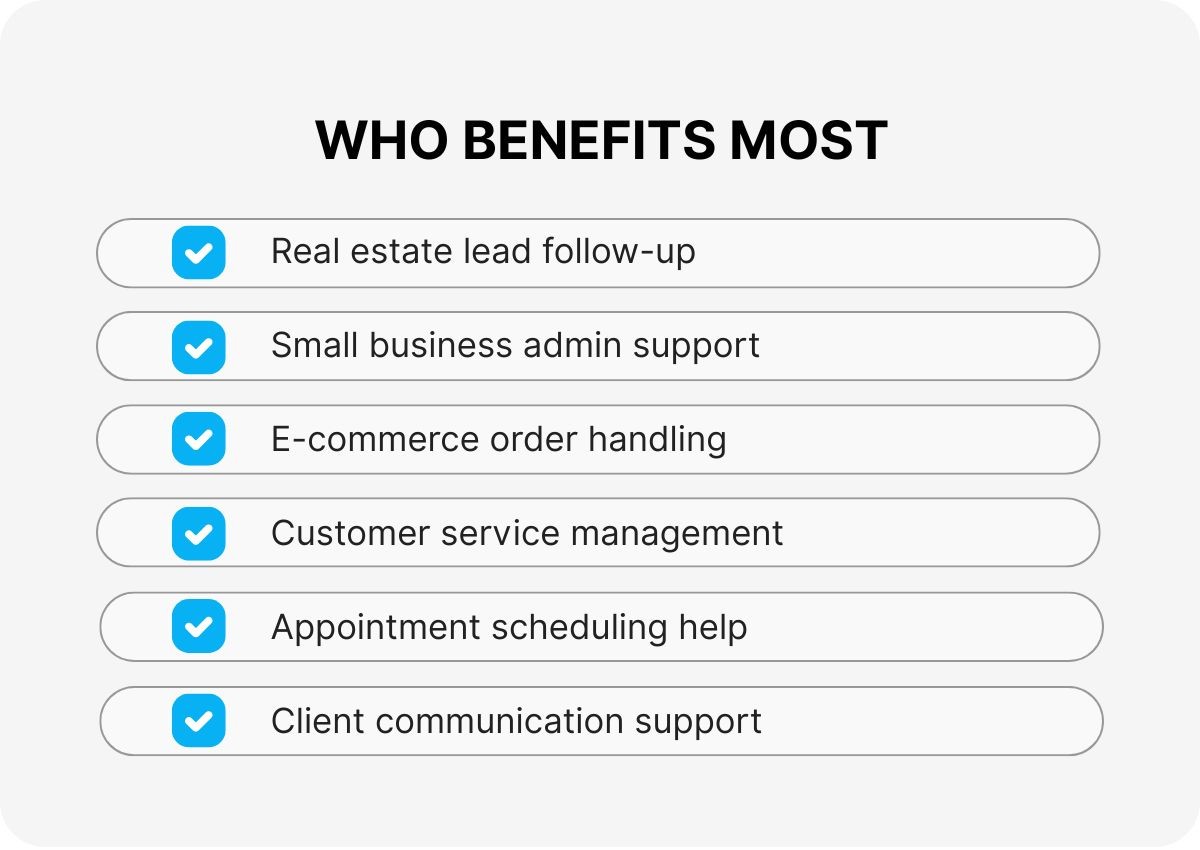
Real estate agents use our assistants for lead follow-up and appointment scheduling.
Small business owners get help with customer service and daily admin tasks.
Online stores need support with order processing and customer questions.
Service businesses rely on our team for booking and client communication.
Common Mistakes To Avoid
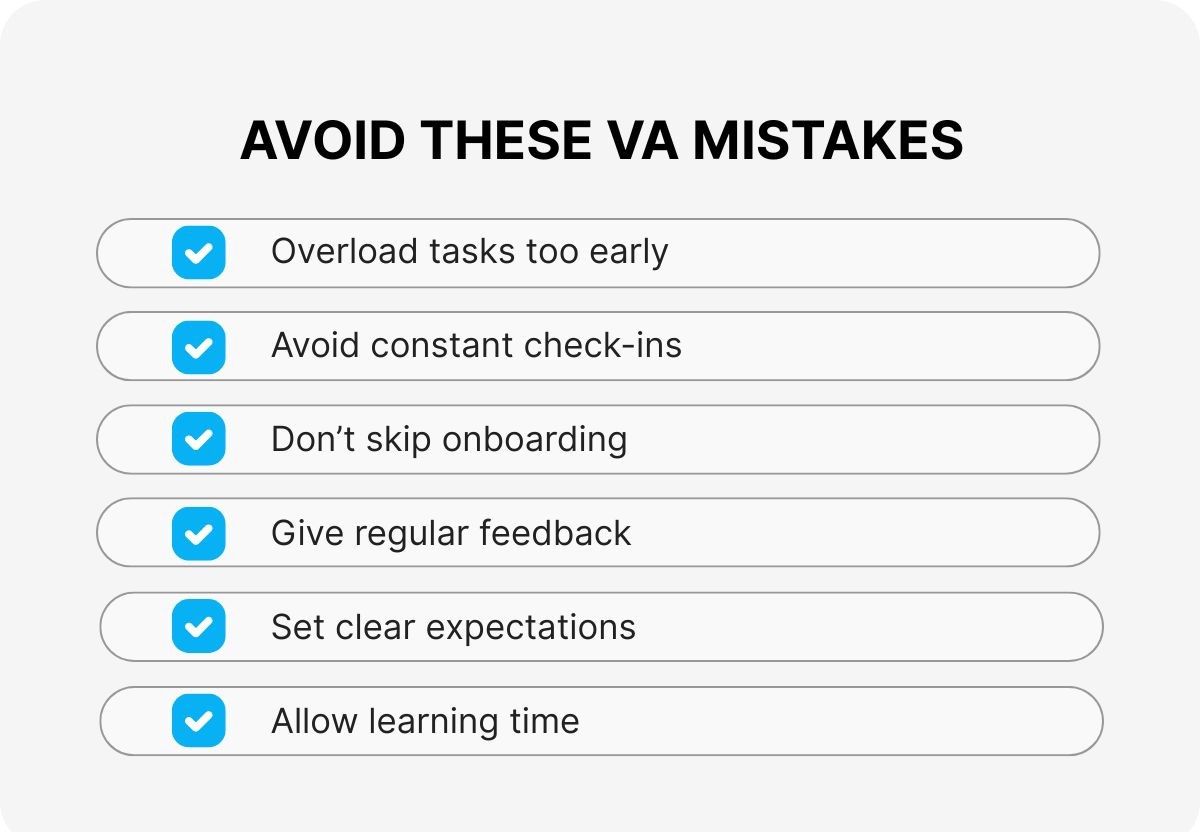
Do not try to train your assistant on 20 different tasks in the first week.
Avoid checking in every hour – trust them to work independently after initial training.
Never skip the onboarding process even if you are in a hurry to get started.
Do not forget to give feedback regularly so they know what you like and do not like.
The Stealth Agents Difference
We match you with assistants who already know your industry and business type.
Your Campaign Manager helps with training and any issues that come up along the way.
Backup coverage means your work never stops even if your main assistant is sick.
No long contracts or hidden fees – just clear pricing and reliable service.
Common Questions Answered
How Is This Different From A Freelancer?
Freelancers work when they want and you manage everything yourself. Our assistants work set hours and come with management support to help you succeed.
What Happens During Onboarding?
We spend the first week learning your processes and preferences. Your Campaign Manager guides this process to make sure everything goes smoothly.
Can My Assistant Work In My Timezone?
Yes, we match you with someone who can work during your business hours. Communication happens in real-time just like an in-office employee.
What If My Needs Change Over Time?
Your assistant can learn new tasks as your business grows. We also help you scale up with additional team members when you need more support.
🎯
Key Takeaway
Virtual assistant software saves you both time and money while giving you professional support that scales with your business growth.
Ready To Transform Your Business Operations?
Thousands of smart business owners already use virtual assistant software to save time and money every day.
For every $1 you spend on a virtual assistant, most businesses see $3-5 in return through increased productivity and growth.
Contact Stealth Agents today to get matched with your perfect virtual assistant and start saving money this month.